HMS 0300-0900-0002-0001: extrusion motor overloaded
LayerWalker is a participant in the Amazon Services LLC Associates Program. We may earn a commission when you buy through links on our site, at no extra cost to you.
The extruder motor drew more current than it should, which means it is pushing filament against something solid. Ninety per cent of the time that is a clog in the hotend or filament jammed in the toolhead. Clear the path first — resetting the error without finding the blockage just repeats it.
Bambu reports this as an overloaded extrusion motor. The firmware watches motor current, and when the extruder keeps drawing high current without the filament moving, it stops the job rather than grinding the filament into dust.
Affected machines: A2L, H2, H2S, P2S, X2D. The equivalent fault on a single-extruder A1 appears as an extrusion sensor error instead.
Where to buy


HMS 0300-0900-0002-0001: work the filament path from the outside in
The blockage can be anywhere between the spool and the nozzle tip. Checking in physical order saves you from stripping a hotend that was never the problem.
Print stops, extruder motor error, filament not advancing
Mechanical resistance somewhere in the filament path
- Spool: check the filament has not crossed under itself on the reel. A tangled spool is the single most common cause and costs nothing to fix.
- PTFE path: unload the filament and push a fresh piece through by hand. It should slide with light pressure.
- Toolhead: open the extruder and look for a broken fragment sitting above the gears.
- Hotend: heat to printing temperature and try to extrude 50 mm manually. If it curls or stops, you have a clog.
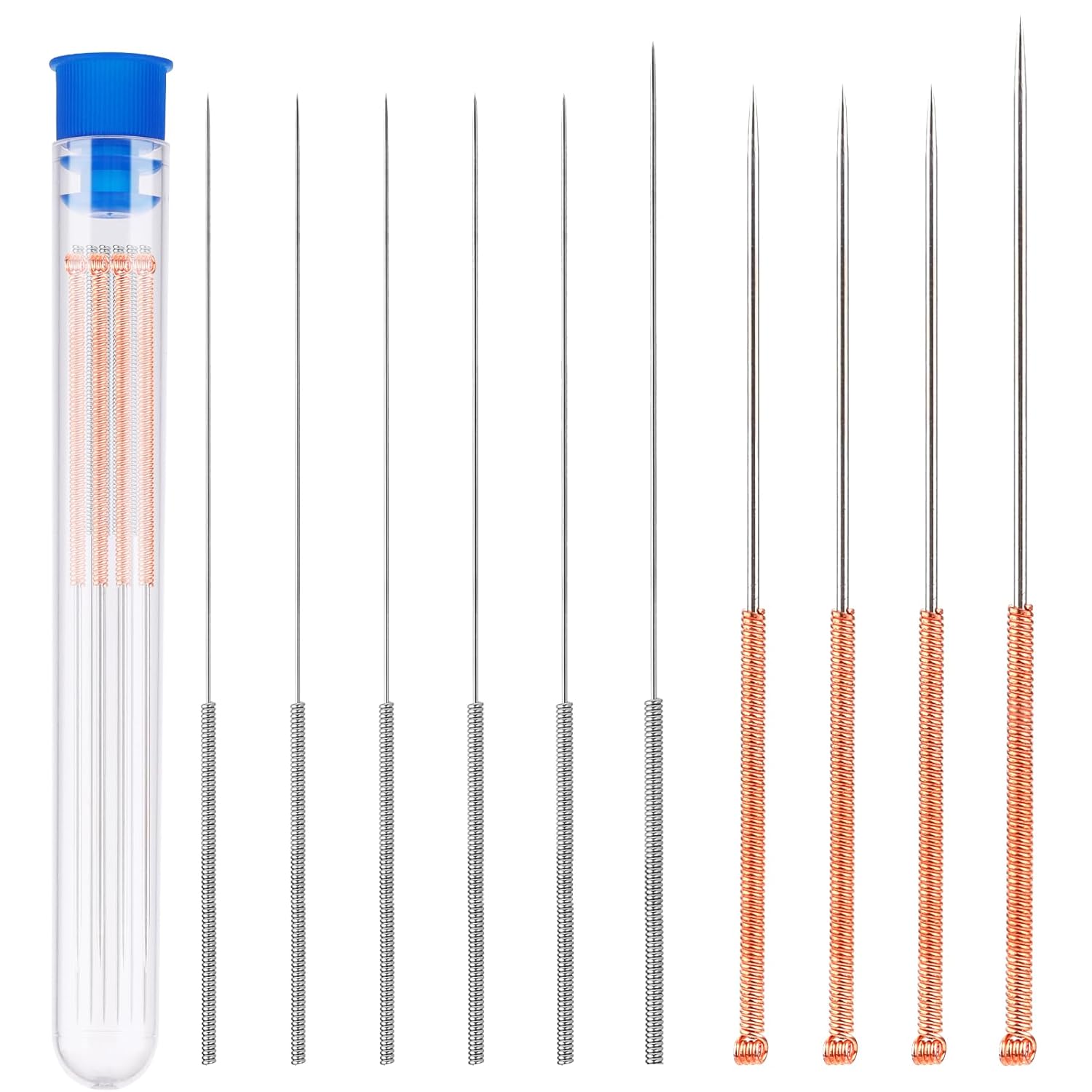
- Cold pull: heat to the material temperature, push filament in, cool to the pull temperature, then pull firmly and straight.
| Property | Value |
|---|---|
| PLA | heat 220 degC, pull at 90 degC |
| PETG | heat 250 degC, pull at 120 degC |
| ABS / ASA | heat 260 degC, pull at 130 degC |
| TPU | heat 230 degC, pull at 100 degC |
When it is not a clog
If the filament path is clear and the error still fires, suspect the extruder gears. Carbon-filled and glow-in-the-dark filaments chew hardened gears faster than people expect; a gear with rounded teeth slips, the motor compensates, and current spikes. Look at the teeth under a bright light before you order parts.
A partially-worn nozzle also causes this. If the bore has gone oval from abrasive filament, extrusion pressure climbs steadily over weeks until the motor trips. If you print carbon fibre and the machine has never had a nozzle change, that is where to look.
The hotend reaches 250 degC or more and the heater block is not insulated. Let it cool before touching anything other than the filament, and never clear a blockage with the toolhead powered and homed — a stray command moves the gantry.
Related
If the error names an AMS slot rather than the extruder itself, start with the AMS feed path instead. If the extruder is clear but prints still come out thin and gappy, that is under-extrusion, not a hard fault.
Wrong code? The full Bambu HMS code index lists all 588 codes with the subsystem each one points to and which printers show it.

LayerWalker
Print defect diagnosis, calibration procedures and parts that actually fit. Corrections welcome through the contact page.

