HMS 0300-0400-0002-0001: part cooling fan too slow or stopped
LayerWalker is a participant in the Amazon Services LLC Associates Program. We may earn a commission when you buy through links on our site, at no extra cost to you.
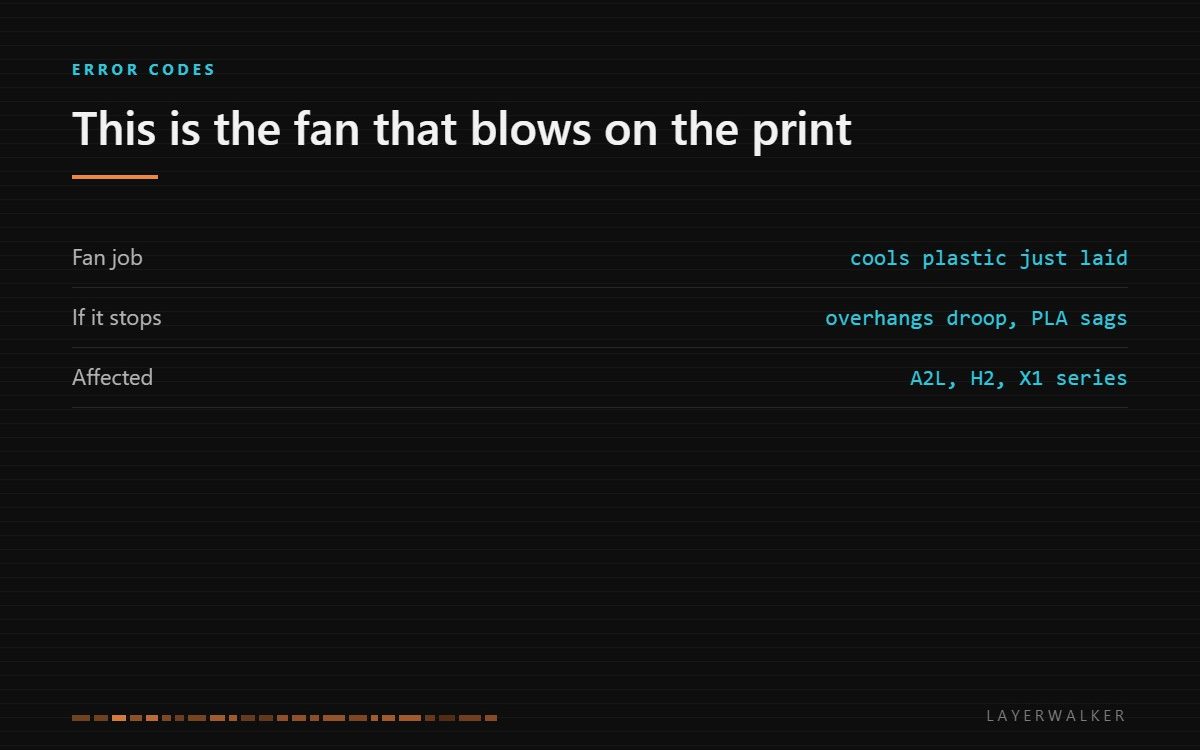
The part cooling fan is stopped or turning far below target. This is the fan that blows sideways onto the plastic you have just laid down, not the one that cools the hotend. On PLA the print will fail before the machine does.
Affected machines: A2L, H2, X1 series. The part cooling fan is usually a blower rather than an axial fan, because it has to push air through a duct and out of a narrow slot next to the nozzle.
Where to buy


GDSTIME 50mm x 15mm Blower Fan 24V High Speed 5015 Part Cooling 2Pin 2-Pack

What you see on the part before the code appears
Symptoms show up in the print before the firmware complains. Overhangs curl and droop because the plastic has not set before the next layer lands on it. Small features lose definition. Bridges sag. On PLA the whole part can start to slump if the layers are short enough that each one arrives while the last is still soft.
If you have been fighting drooping overhangs and then this code appears, the two are the same problem and you now know the cause.
Overhangs droop and small features lose definition; the code follows during or after the print
Blower stuck with debris, duct blocked, or connector not seated
- Power off and inspect the blower wheel through the duct opening for filament strands wrapped around it.
- Remove the duct if it is removable and check it is not blocked by a blob of plastic from an earlier failure.
- Spin the blower by hand; a blower with a failing bearing grinds rather than coasting.
- Reseat the connector at the toolhead, since this fan sits in the most flexed part of the loom.
- Run a test print with the fan forced to 100 percent in the slicer and watch it directly.
A note on diagnosis: a blower that is physically fine but reports slow is usually a signal or connector problem. Check that before buying, because blowers are cheap enough that people replace them first and learn nothing.
Our page on 3D printer cooling fans covers matching size, voltage and connector, which is where most replacement orders go wrong. If the visible symptom is drooping overhangs, overhangs and bridging covers the print-side fixes, and the troubleshooting index covers the rest.
HMS 0300-0400-0002-0001 FAQ
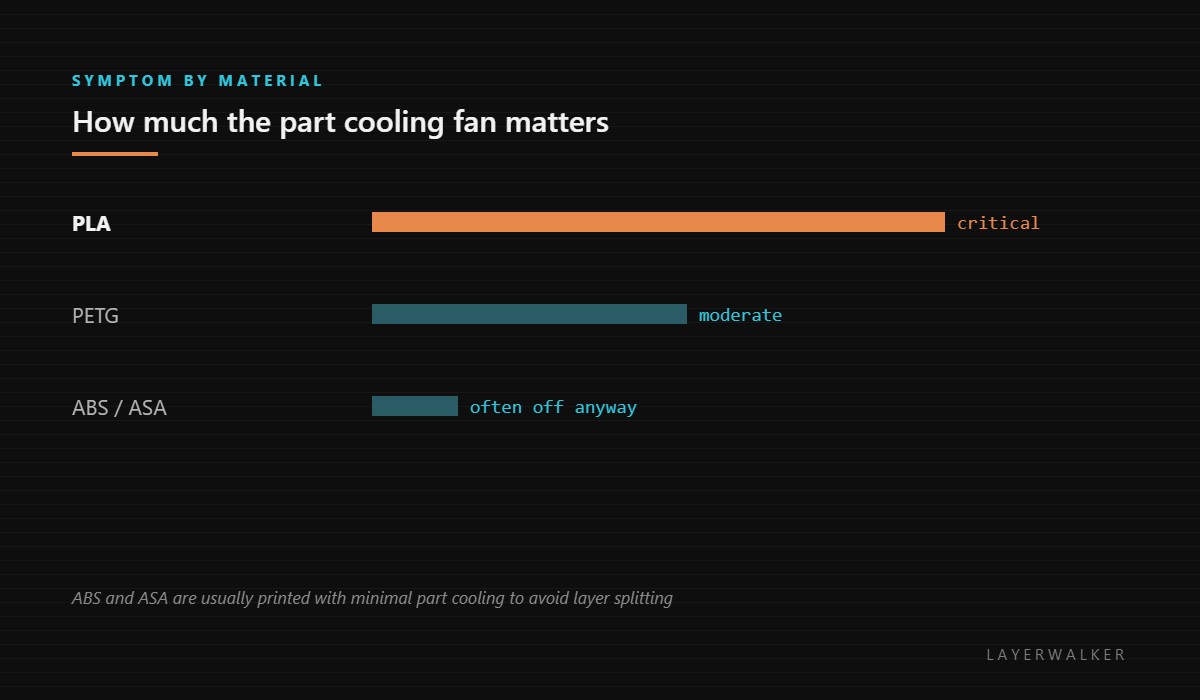
Can I print ABS with this fan dead?
Often yes, because ABS is printed with minimal part cooling anyway. PLA is a different matter.
Is this the same fan as the hotend fan?
No. Different fan, different job, different code.
Why does the duct matter?
A blocked duct makes a healthy blower read slow because it cannot move air.
What size do I need?
Match size, voltage and connector to the original. A 5015 blower is common but not universal.

LayerWalker
Print defect diagnosis, calibration procedures and parts that actually fit. Corrections welcome through the contact page.

