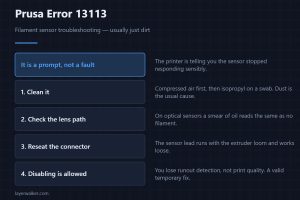
Prusa Error 13113: Filament Sensor Troubleshooting
Prusa error 13113 is the filament sensor asking to be cleaned. Where the sensor sits on each model, how to clean it safely, and when disabling it is fine.
Machine error codes explained: Bambu HMS codes, MINTEMP and MAXTEMP, thermal runaway, homing and probe failures. What the code means, and what to check first.
Prusa error 13113 is the filament sensor asking to be cleaned. Where the sensor sits on each model, how to clean it safely, and when disabling it is fine.
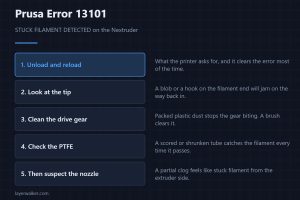
Prusa error 13101 means the Nextruder thinks filament is stuck. Unload and reload first, then check the gears, the PTFE and the filament itself in order.
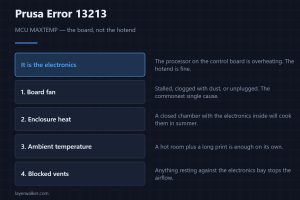
Prusa error 13213 means the control board processor is overheating, not the hotend. Airflow, ambient temperature and the fan that is usually to blame.
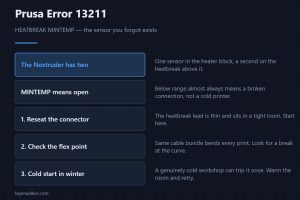
Prusa error 13211 is a heatbreak thermistor reading below minimum on the Nextruder. What the heatbreak sensor does, and why a loose connector causes this.
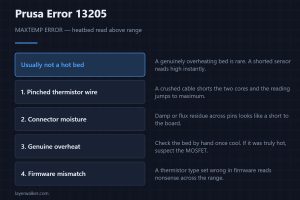
Prusa error 13205 means the heatbed thermistor read above its maximum. Usually a wiring fault rather than a genuinely overheating bed. How to tell them apart.
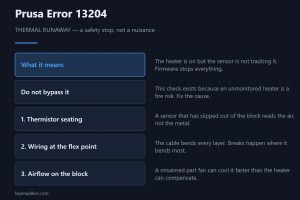
Prusa error 13204 is thermal runaway on the hotend: the reading stopped tracking the heater. It is a safety stop, and bypassing it is a genuinely bad idea.
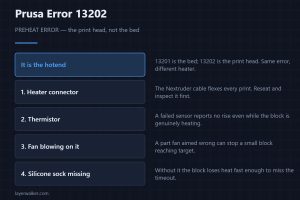
Prusa error 13202 is a preheat failure on the print head, not on the bed. What the firmware is actually measuring, and the three faults that cause it.
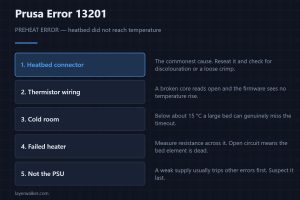
Prusa error 13201 is a preheat failure on the heatbed: it did not reach temperature in time. Check the heater and thermistor wiring before replacing anything.
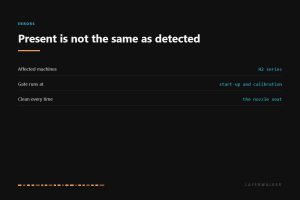
HMS 0300-2500-0001-000B means the right nozzle is not detected. Either it is missing, or residue in the seat is holding it proud. How to check for both.
HMS 0300-0D00-0001-000C means the levelling data is abnormal and asks you to look for debris. Where it hides, and why cleaning beats re-running the mesh.