Elegoo Neptune 4 Pro Review: Klipper on a Budget
LayerWalker is a participant in the Amazon Services LLC Associates Program. We may earn a commission when you buy through links on our site, at no extra cost to you.
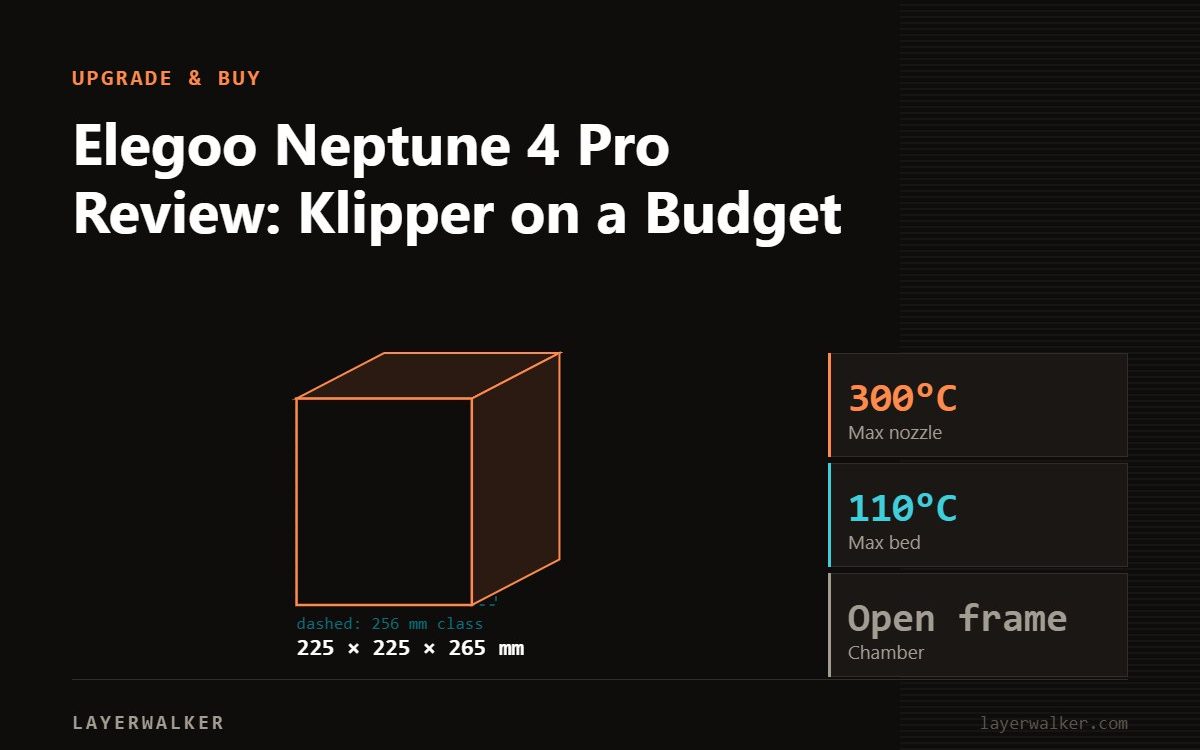
The Neptune 4 Pro is a Klipper bed-slinger that punches above its price: 225 x 225 x 265 mm, 300 degC nozzle, 110 degC bed, 500 mm/s and 20,000 mm/s2, 8.9 kg, with a 121-point bed mesh and a 5.2:1 dual-gear direct extruder. It is open-framed, so ABS and ASA are impractical, but for PLA and PETG the specification is unusually generous for the money.
This assessment is from Elegoo’s published specification rather than a workshop test. The Neptune 4 Pro is worth understanding because it is one of the few budget machines that runs Klipper properly rather than as a marketing word.
Where to buy


Specification
| Spec | Neptune 4 Pro |
|---|---|
| Build volume | 225 x 225 x 265 mm |
| Max nozzle temp | 300 degC |
| Max bed temp | 110 degC |
| Max speed / acceleration | 500 mm/s / 20,000 mm/s2 |
| Firmware | Klipper |
| Bed levelling | 121-point mesh (11 x 11) |
| Extruder | Dual-gear direct drive, 5.2:1 |
| Weight | 8.9 kg |
Why the Klipper and the mesh matter
Klipper is what makes 500 mm/s and 20,000 mm/s2 meaningful on a machine this cheap. It moves motion planning onto a more capable processor and brings input shaping and pressure advance as first-class features rather than bolt-ons. If you want to understand what it is doing, our pages on input shaping and pressure advance cover both.
The 121-point mesh is the other quiet win. A bed-slinger’s weak point is a bed that is not flat, and an 11 by 11 grid measures it properly instead of sampling four corners and hoping. Combined with 300 degC and a 110 degC bed, that is a specification you would have paid considerably more for a couple of generations ago.
The 5.2:1 dual-gear direct extruder is the third piece. Direct drive with real gear reduction is what makes flexible filament viable, which is a genuine advantage over budget Bowden machines.
The open frame decides what you can print
110 degC at the bed is enough for ABS on paper, but without an enclosure the part cools unevenly, corners lift and layers bond poorly. That is not a settings problem. Treat the Neptune 4 Pro as a PLA, PETG and TPU machine, which is what most people print anyway.
Being open has real advantages too: easy access, no heat soak on PLA, lighter at 8.9 kg, and a smaller price. If you later want ABS, the answer is a different machine rather than a box around this one, though a separate enclosure helps with dust and noise.
Where it sits in the Neptune range
Below it, the Neptune 3 Pro is 225 x 225 x 280 mm but with a 260 degC nozzle, a 36-point mesh and no Klipper, so the 4 Pro is a real generational step rather than a rename. Above it, the Neptune 4 Max trades acceleration down to 8,000 mm/s2 in exchange for a much larger plate, and weighs 18.1 kg.
See our Neptune 4 Pro overview and Neptune 4 Max notes for those comparisons.
Who should buy it
Buy the Neptune 4 Pro if you want the most capable open-frame PLA and PETG printer for the money and you do not mind a bed-slinger’s constraints on tall parts. Buy an enclosed CoreXY if ABS, ASA or filled filament are in your plans. And if you want the automation of a Bambu A1 rather than the raw specification, that is a different trade worth pricing.
Elegoo Neptune 4 Pro Review FAQ
Does the Neptune 4 Pro really run Klipper?
Yes, and that is what makes its speed figures usable.
Can it print ABS?
The 110 degC bed allows it in theory, but the open frame makes it unreliable in practice.
How many bed levelling points?
121, an 11 by 11 mesh.
Can it print TPU?
Yes. The 5.2:1 dual-gear direct extruder is well suited to flexibles.

LayerWalker
Print defect diagnosis, calibration procedures and parts that actually fit. Corrections welcome through the contact page.

