Elegoo Neptune 4 Max Upgrades: Hotend Kits, a Dryer, and Taming a 420 mm Bed-Slinger
LayerWalker is a participant in the Amazon Services LLC Associates Program. We may earn a commission when you buy through links on our site, at no extra cost to you.
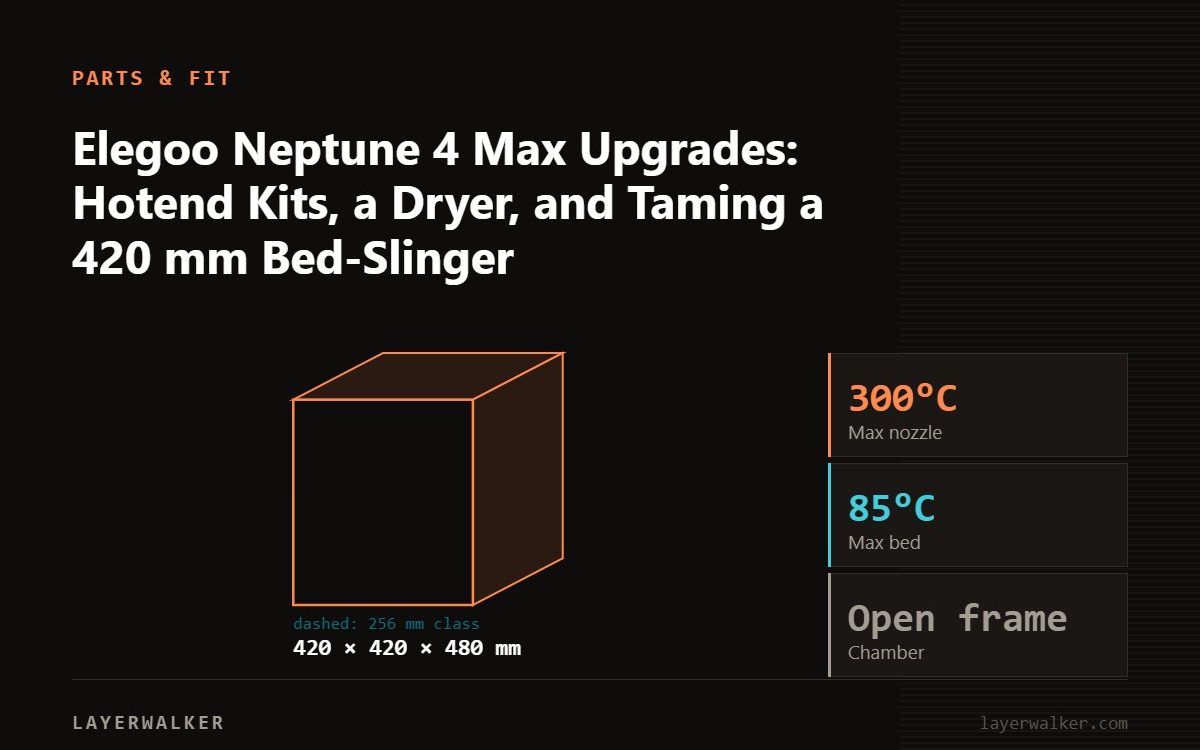
On a Neptune 4 Max the upgrades that matter are a spare hotend kit, which it shares with the Neptune 4 Plus, a filament dryer for PETG on a bed that takes hours per print, and a heavy rigid stand, because a 420 mm bed slinging back and forth rocks anything light. Skip enclosures; the Max is too big to enclose usefully and prints PLA and PETG best in the open.
The Neptune 4 Max is bought for size, and size drives its upgrade list. Long prints mean the spool must stay dry for a day; a heavy moving bed means the stand must not sway; and a stock hotend that clogs on a 30-hour print costs a lot of filament. The hotend is shared with the Neptune 4 Plus, so kits are easy to find.
Where to buy


Hotend for Elegoo Neptune 4 Plus/Neptune 4 Max Ceramic Print Head Extruder Hot End Kit Heater Block Heat Cartridge Thermistor with Extra 2pcs Hardened Steel Nozzle 0.4mm+0.6mm

What is worth buying
- A spare hotend kit listed for the Neptune 4 Plus and Max; a clog mid-print on this bed is expensive, and a swap beats a cold pull.
- A filament dryer with print-through feed; see drying. Prints on the Max run long enough for PETG to absorb water mid-job.
- A heavy stand and a paving slab under the printer. The moving bed causes ringing on a light table that no setting fixes.
- Silicone socks and a spare 430 mm plate.
What to skip
- Enclosures; the Max is too big for tents and does not need one for PLA and PETG.
- Dual-Z mods unless the gantry actually sags; measure first.
- Direct-drive swaps; the Max already has direct drive.
The parts in the box
The three listed hotend kits are for the Neptune 4 Plus and Neptune 4 Max, including a ceramic-heater version; all fit the Max. Confirm the Max is named in the listing.
Fitting a hotend
- Cool the hotend and unload filament.
- Open the toolhead, disconnect the heater and thermistor, remove the old unit.
- Fit the new hotend, reconnect, close up.
- Run the printer’s PID or temperature calibration if offered, then a first-layer test. A clog straight after a swap is usually a connector not seated.
Elegoo Neptune 4 Max Upgrades FAQ
Do Neptune 4 Pro hotends fit the Max?
Check the listing; the Plus and Max share, the Pro may differ.
Can I print ABS on the Max?
Small parts in a warm room; not reliably.
Why does the Max ring on corners?
The bed mass. Slab under the printer, then tune input shaping.

LayerWalker
Print defect diagnosis, calibration procedures and parts that actually fit. Corrections welcome through the contact page.