Elegoo Neptune 4 Max Build Plate: The 430 mm Sheet, and What Replacements Must Match
LayerWalker is a participant in the Amazon Services LLC Associates Program. We may earn a commission when you buy through links on our site, at no extra cost to you.
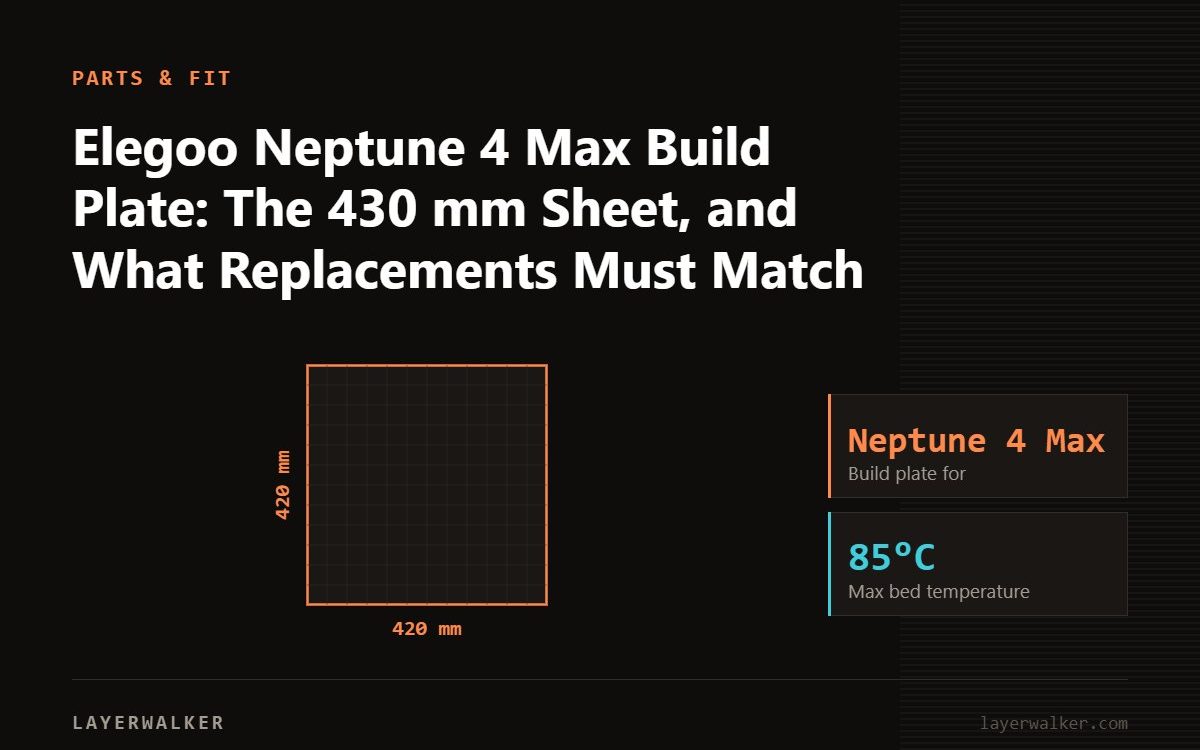
The Neptune 4 Max takes a plate around 430 by 430 mm, sized for its 420 mm bed, and nothing from the smaller Neptunes fits. Buy a thick textured PEI plate: at this size a thin sheet bows on the magnets and an open bed-slinger this big is already prone to uneven first layers. A smooth side is useful for glossy PLA; PETG stays on the textured side.
A 420 mm open bed-slinger is a demanding platform for a plate. The bed is heavy, moves fast on Y, and its temperature is less even at the edges than a small bed’s, so the plate must be flat and thick to give the mesh a chance. Coating wear is less of a concern than on an enclosed printer because the Neptune 4 Max prints mostly PLA and PETG; flatness is the spec to buy.
Where to buy


Double-Sided Smooth PEK Pee Build Plate 430x430mm for Elegoo Neptune 4 Max
What to check
- Listed for the Neptune 4 Max, around 430 by 430 mm. Plates for other printers do not fit.
- Spring steel 0.5 mm or thicker so the plate stays flat on the magnets.
- Coating thickness stated; on an open printer running PLA and PETG the coating lasts; flatness and thickness are the specs that matter at this size.
- Double-sided if you want smooth PEI as well as textured on one sheet.
Surface by material
- PLA: textured or smooth PEI, 55 to 60 °C.
- PETG: textured PEI, 70 to 80 °C; smooth PEI only with a glue-stick release layer.
- TPU: textured PEI, 40 to 50 °C.
- ABS and ASA: not recommended on an open Neptune 4 Max; small parts in a warm room on textured PEI at 100 °C with glue, and expect lifting on anything larger.
The plates in the box
The upgraded double-sided PEI plate for the Neptune 4 Max and the 430 by 430 mm double-sided smooth-and-textured plate are the two replacements sized for it.
Swapping
- Wash the new plate with dish soap and hot water; dry; handle by the edges.
- Seat it against the rear stop on the magnetic bed.
- Run the printer’s auto-leveling so it measures the new plate; smooth and textured differ by a couple of tenths in Z.
- If the first layer will not stick, wash again before changing anything; see smooth versus textured.
Elegoo Neptune 4 Max Build Plate FAQ
Do Neptune 4 Pro plates fit the Max?
No; the Pro is 225 mm.
Why is the first layer uneven at the edges?
Bed temperature falls off at the edges of a large bed and a thin plate bows. Preheat longer, and buy thicker.
Does the Max need a mesh?
Yes, and a fresh one after every plate swap.

LayerWalker
Print defect diagnosis, calibration procedures and parts that actually fit. Corrections welcome through the contact page.