Creality K2 Pro Combo: Multi-Colour With a Filament System, and the Purge Question
LayerWalker is a participant in the Amazon Services LLC Associates Program. We may earn a commission when you buy through links on our site, at no extra cost to you.
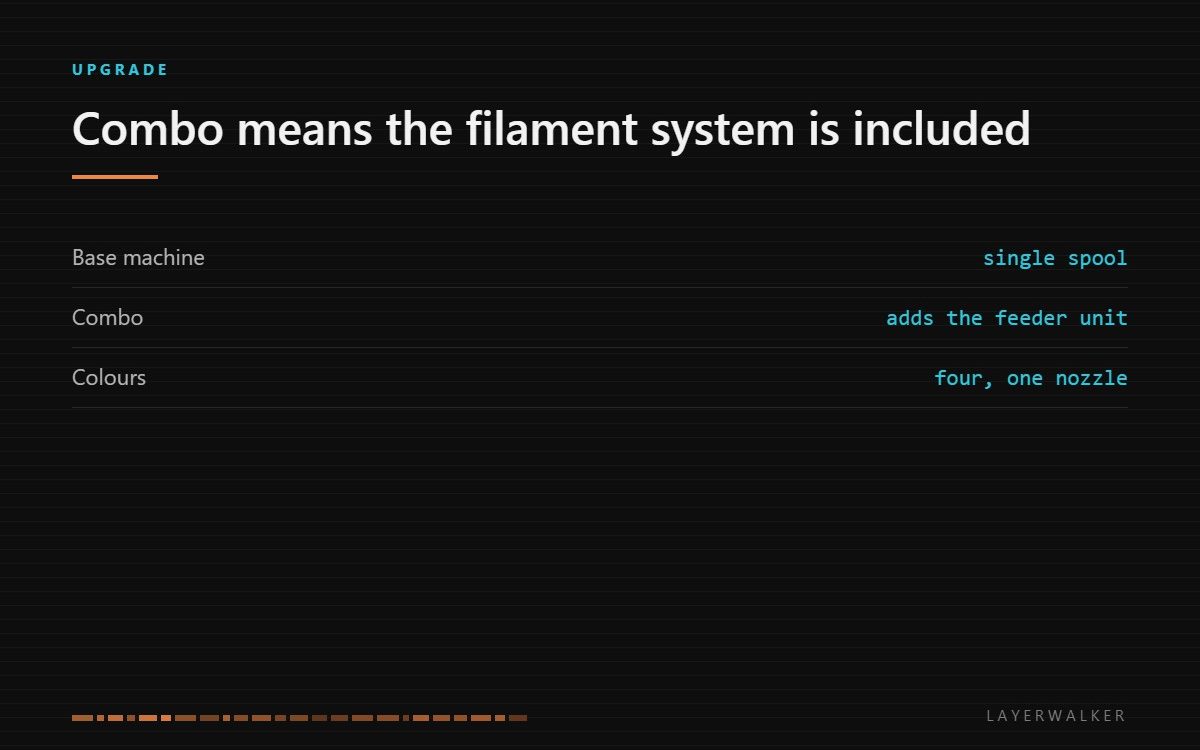
The Combo bundles the multi-material feeder with the printer. It gives you four colours through one nozzle, which is the affordable way to print in colour and the reason to understand purge waste before you buy.
Where to buy


Snapmaker U1 3D Printer,4-Toolhead with 5s Toolchanger,Multi-Color Printing
What “Combo” means
Creality sells the machine on its own and bundled with the filament system that feeds several spools into the single hotend. The Combo is the bundle. If you buy the base machine intending to add colour later, check the price of the feeder separately, because buying them together is usually the cheaper route.
The printer underneath is a CoreXY, which is what lets it hold speed on larger parts; our CoreXY guide explains why that layout matters more than the headline speed number.
The purge question, answered honestly
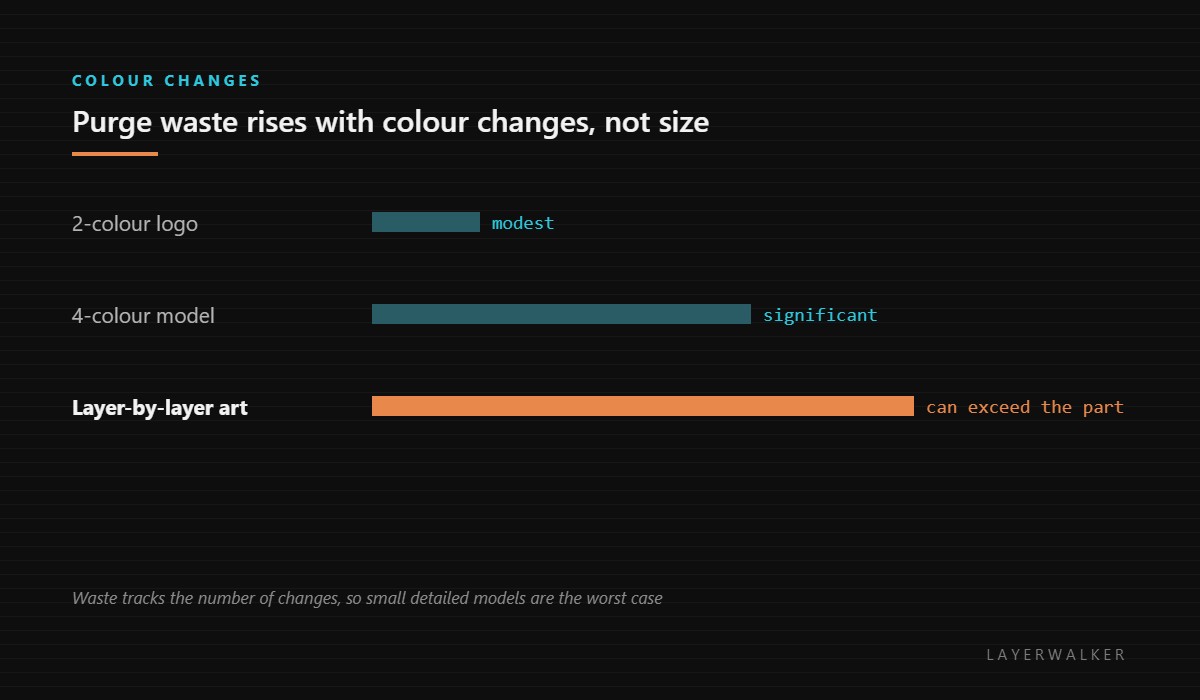
One nozzle means the old colour must be pushed out before the new one goes down. That waste is proportional to the number of changes, which is why a small four-colour figure can discard more plastic than it contains while a large two-colour part barely notices.
Slicers reduce it: printing the purge into the infill of the model, into a sacrificial object that has a use, or by ordering colours to minimise changes. Those help substantially and none of them removes it. Our page on multi-material feeders covers the settings that matter.
If your work is colour-heavy enough that the waste is the deciding factor, the alternative is a toolchanger, which swaps heads instead of flushing one. That costs more and is covered on our toolchanger page.
Who it suits
People who want colour occasionally and speed always. The machine is a capable single-colour printer first; the feeder is there for the jobs that need it. That is the right order of priorities for most buyers, and it is why this configuration outsells toolchangers by a wide margin.
Creality K2 Pro Combo FAQ
Can I add the feeder later?
Yes, but the bundle usually costs less than buying the two separately.
How much filament does a colour change waste?
It depends on nozzle and settings, but assume it is significant on models that change often.
Does the feeder slow printing?
The changes take time, so colour-heavy prints take noticeably longer than the same part in one colour.
Is four colours the limit?
For one feeder unit, yes. Some setups chain units for more.

LayerWalker
Print defect diagnosis, calibration procedures and parts that actually fit. Corrections welcome through the contact page.

