Anycubic Kobra S1 Upgrades: Spare Hotend Kit, Hardened Nozzles, and a Dryer for the ACE Pro
LayerWalker is a participant in the Amazon Services LLC Associates Program. We may earn a commission when you buy through links on our site, at no extra cost to you.
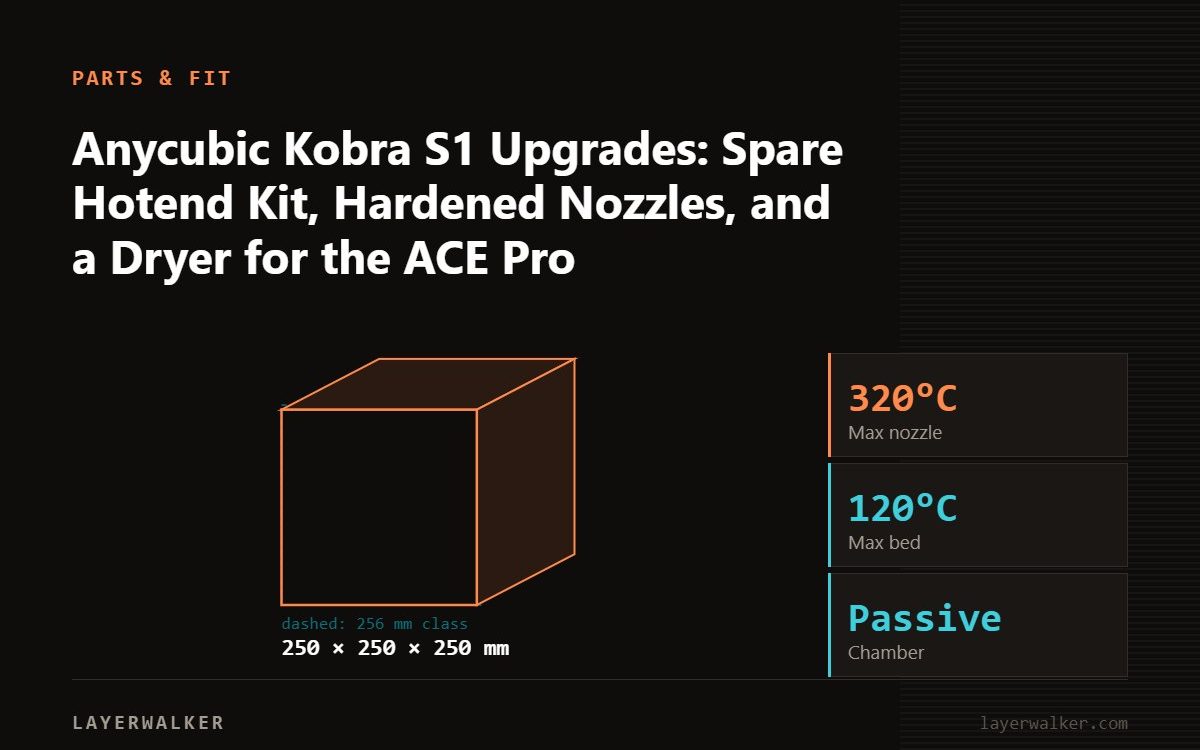
The Kobra S1 is enclosed, fast and comes with the ACE Pro multi-material unit, so the upgrades left are spares and consumables: a spare hotend kit for when a clog will not clear, a hardened nozzle before abrasive filament, a filament dryer for the PETG and TPU the ACE Pro cannot fully protect, and a spare plate. Skip enclosure and toolhead mods.
The S1 arrived as Anycubic’s enclosed CoreXY answer to the Bambu P1S, complete with a heated bed, input shaping, a camera and the ACE Pro. Its hotend is a swap unit, and Anycubic and third parties sell it as a kit. The ACE Pro heats its spools to keep them dry, which is more than most multi-material units do, but a true dryer still does the first drying job faster.
Where to buy

What is worth buying
- A spare hotend kit listed for the Kobra S1; a clog that survives a cold pull is a five-minute swap.
- A hardened nozzle or hotend before CF, glow or sparkle filament; see abrasives.
- A filament dryer to dry new spools before they go in the ACE Pro; see drying.
- A spare 264 by 276 mm plate and silicone socks.
What to skip
- Enclosure mods; it is enclosed.
- Cooling duct changes; tuned already.
- Firmware replacements on a printer that works.
The parts in the box
The listed Kobra S1 hotend kit is the swap unit compatible with the S1; confirm the listing names the S1 rather than the open Kobra 3 line.
Fitting a hotend
- Cool the hotend and unload filament.
- Open the toolhead, disconnect the heater and thermistor, remove the old unit.
- Fit the new hotend, reconnect, close up.
- Run the printer’s PID or temperature calibration if offered, then a first-layer test. A clog straight after a swap is usually a connector not seated.
Anycubic Kobra S1 Upgrades FAQ
Do Kobra 3 hotends fit the S1?
Check the listing; the S1 is a different toolhead.
Does the ACE Pro replace a dryer?
It holds spools warm and dry during printing; dry a wet spool in a dryer first.
Can the ACE Pro feed TPU?
Use the external spool holder for TPU.

LayerWalker
Print defect diagnosis, calibration procedures and parts that actually fit. Corrections welcome through the contact page.