HMS 1A00-0100-0002-0031: A Hotend Is Already Mounted on the Toolhead
LayerWalker is a participant in the Amazon Services LLC Associates Program. We may earn a commission when you buy through links on our site, at no extra cost to you.
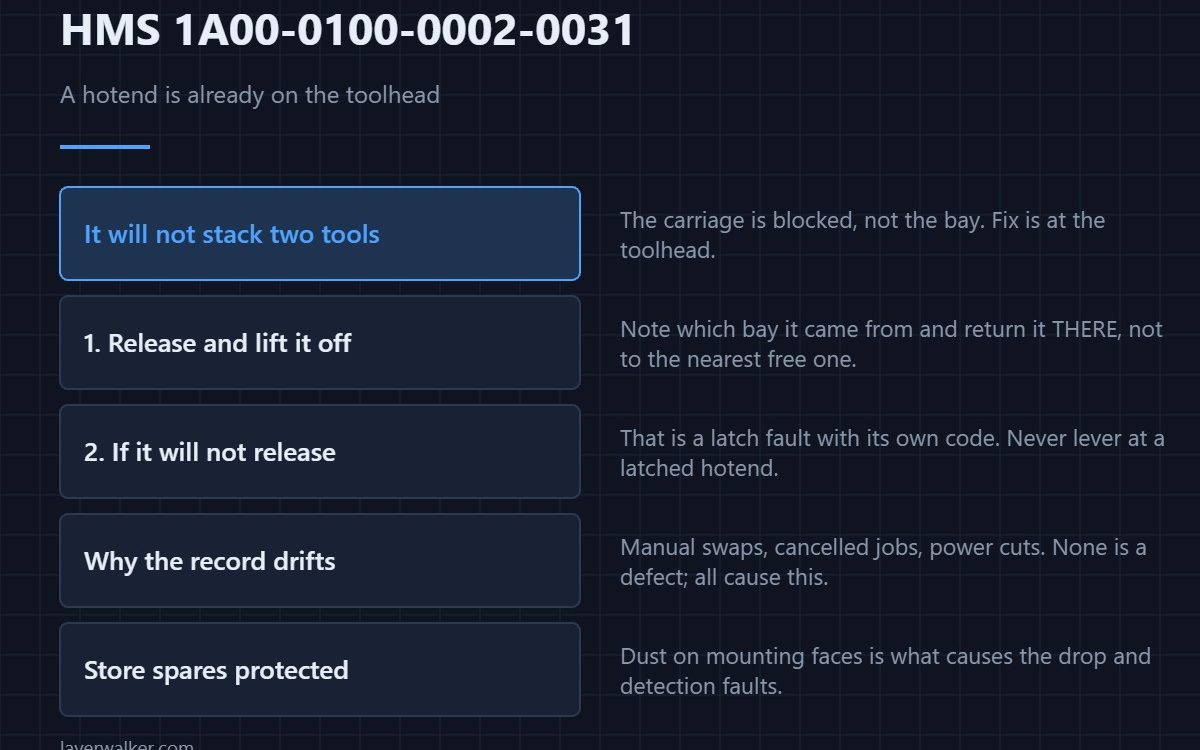
HMS 1A00-0100-0002-0031 means the machine went to fetch a hotend and found one already mounted on the toolhead. Bambu asks you to remove it before continuing. The machine refuses rather than attempting to collect a second tool onto an occupied carriage.
This is the fetch-side mirror of the occupied-slot fault, and the fix is at the toolhead rather than in the rack.
Where to buy


Take it off and put it where it belongs
With the machine idle, release the locking lever and lift the hotend off. Note which bay it came from and return it there rather than to the nearest free one, because the next job’s bookkeeping depends on it. Then continue and let the fetch re-run.
If it will not come off
A hotend that will not release is a latch problem rather than a bookkeeping one, and that has its own message: HMS 1A00-0100-0002-0024, where Bambu names the locking lever and the position it needs to be in. Do not lever at a latched hotend.
Why the record drifts in the first place
Manual swaps between prints, a cancelled job partway through a change, and power interruptions all leave the machine believing the toolhead is empty when it is not. None of them is a defect; all of them produce this code on the next fetch.
How HMS 1A00-0100-0002-0031 differs from the nesting version
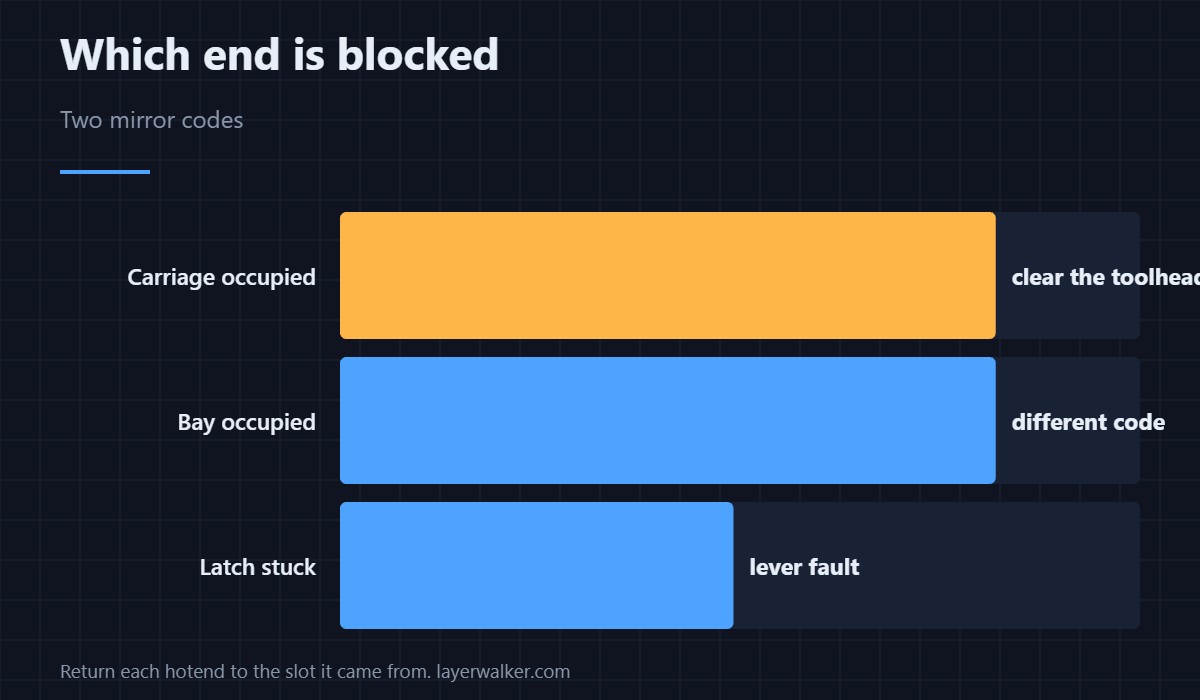
An occupied rack bay during nesting is HMS 1A00-0100-0002-0004, where the destination is blocked. Here the carriage is blocked, so one tells you to clear a slot and the other to clear the toolhead.
Storing the one you remove
Keep spare hotends bagged or boxed with their mounting faces protected, because dust on those faces is what causes the drop and detection faults in this group. Hardware detail is in 3D printing hotends.
HMS 1A00-0100-0002-0031 FAQ
Can the machine remove it itself?
Not from this state. It has stopped precisely because it does not know the toolhead was occupied.
Does it matter which bay I use?
Yes, for your own sanity. Return each hotend to the slot it came from.
Is the print lost?
No. It stops before the move rather than during it.
Why does this keep happening?
Usually a habit of manual swapping. A written slot map fixes it — see HMS 1A00-0100-0002-0022.
Three separate codes carry the docking power-loss message. HMS 1A00-2100-0001-0002 is one of them, and the recovery never changes between the three.

LayerWalker
Print defect diagnosis, calibration procedures and parts that actually fit. Corrections welcome through the contact page.