HMS 0500-0400-0002-0033: Plug In the Module Connector
LayerWalker is a participant in the Amazon Services LLC Associates Program. We may earn a commission when you buy through links on our site, at no extra cost to you.
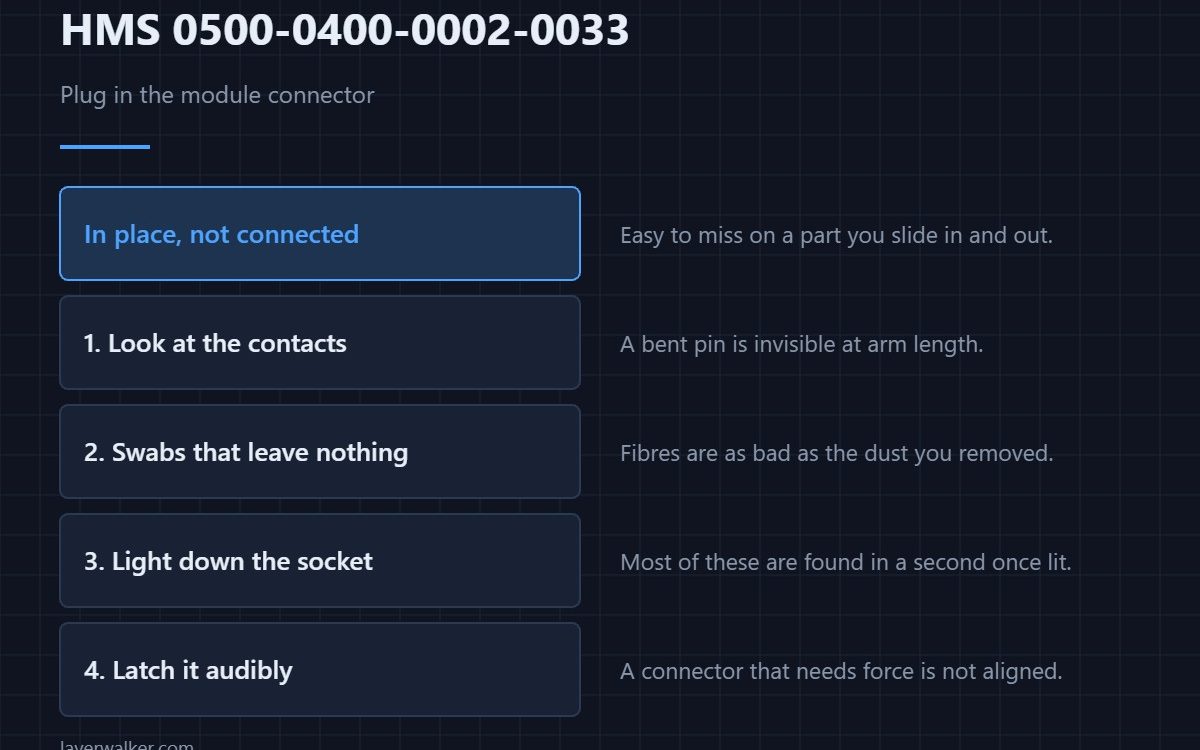
HMS 0500-0400-0002-0033 asks you to plug in the module connector. The module is physically in place and its electrical connection is not made, which on a part you slide in and out is an easy thing to miss.
It is also worth looking at the contacts while you are there, because a connector that was forced once will give trouble later.
Where to buy


Look at the contacts properly
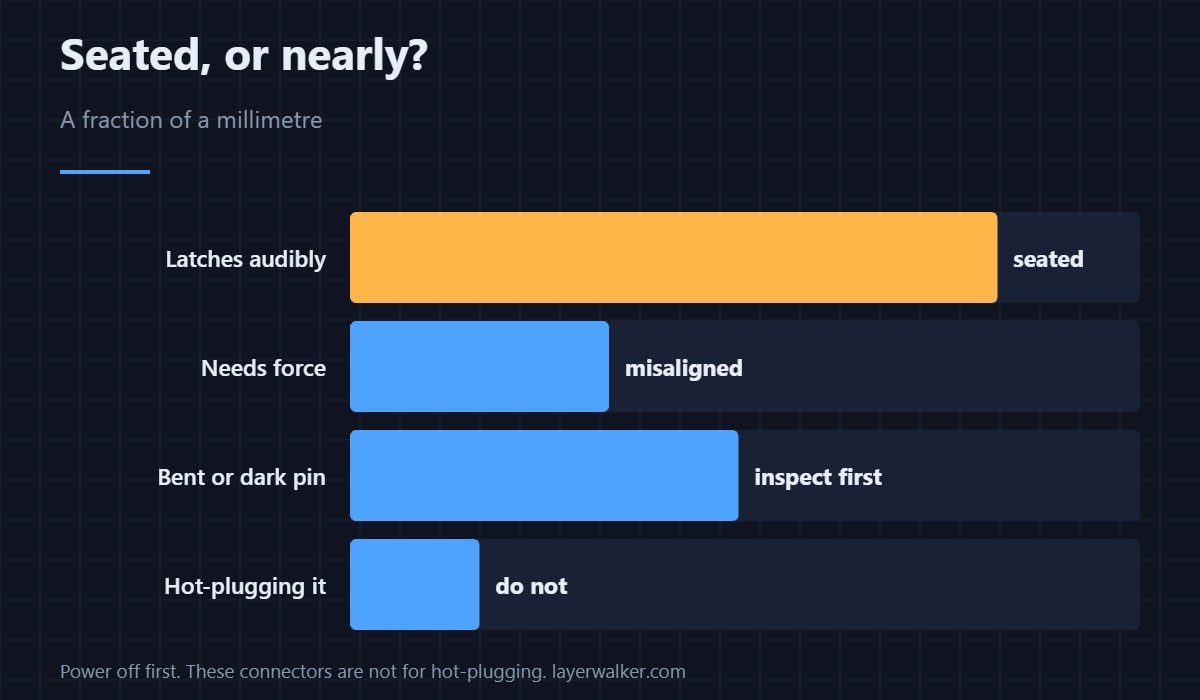
A 10x triplet loupe shows a bent pin or a blackened contact that is invisible at arm length. These connectors are small, and the difference between seated and nearly seated is a fraction of a millimetre.
Clean without leaving fibres
Long cotton swabs reach into a recessed connector and take dust out of it. Fibres left behind are as bad as the dust, which is why the lint-free sort is worth the small extra.
Get light where your head cannot go
A pocket penlight with a focused beam puts light down into the socket from the angle you are looking. Most of these are found in a second once they are lit.
Then seat it and listen
Push the connector until it latches audibly, then check the machine sees the module. A connector that needs force is a connector that is not aligned.
How HMS 0500-0400-0002-0033 differs from a missing module
A module that is not slid in at all is HMS 0500-0400-0002-0032. This code means it is in and not connected.
The same problem on the AMS side
An abnormal AMS connection is HMS 0500-0400-0001-0025. Requirements are in laser engravers and the platform in the Bambu Lab H2D.
HMS 0500-0400-0002-0033 FAQ
Which connector does it mean?
The module connector on the toolhead side.
Should I power off first?
Yes. These connectors are not for hot-plugging.
What if it still does not see it?
Inspect the pins under magnification before anything else.
Can I force it?
No. Force means misalignment, not a tight fit.

LayerWalker
Print defect diagnosis, calibration procedures and parts that actually fit. Corrections welcome through the contact page.

