HMS 1A00-0100-0002-0032: Toolhead Failed to Detect the Hotend on the Rack
LayerWalker is a participant in the Amazon Services LLC Associates Program. We may earn a commission when you buy through links on our site, at no extra cost to you.
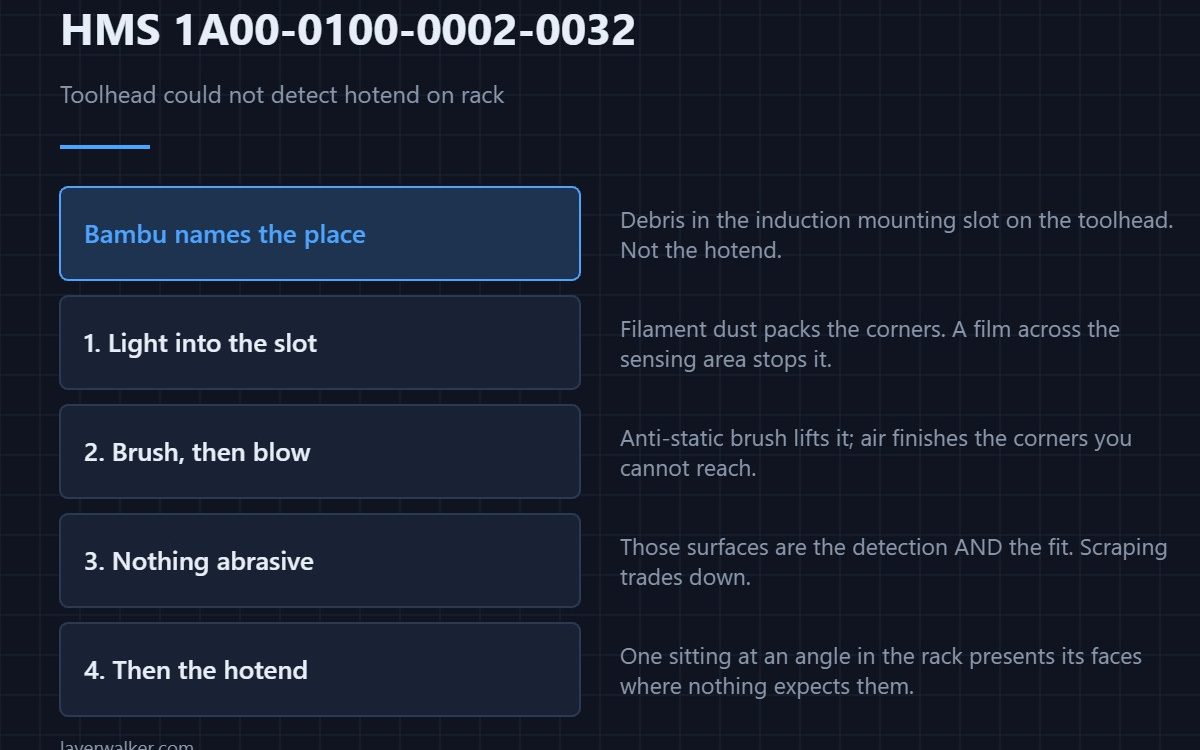
HMS 1A00-0100-0002-0032 means the toolhead went to collect a hotend from the rack and could not confirm it was there, and Bambu names the place to look: debris in the induction hotend mounting slot on the toolhead. The hotend is probably fine; the thing that reads it is dirty.
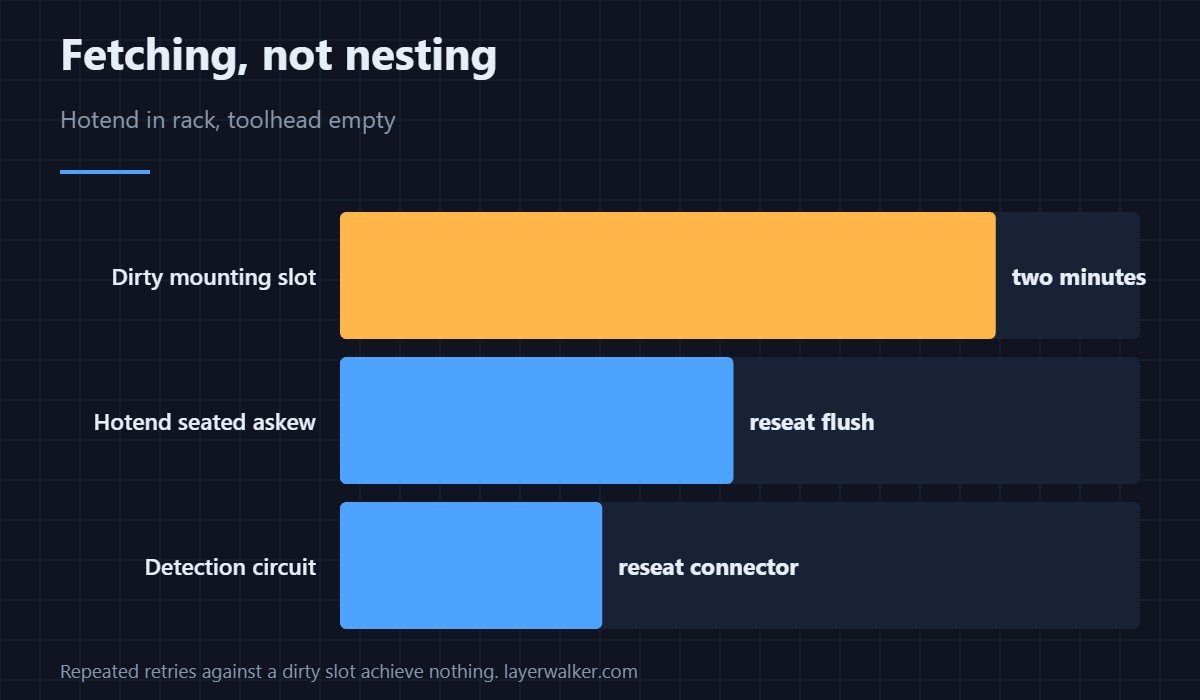
This is a fetching fault rather than a nesting one, so the hotend is in the rack and the toolhead is empty.
Where to buy


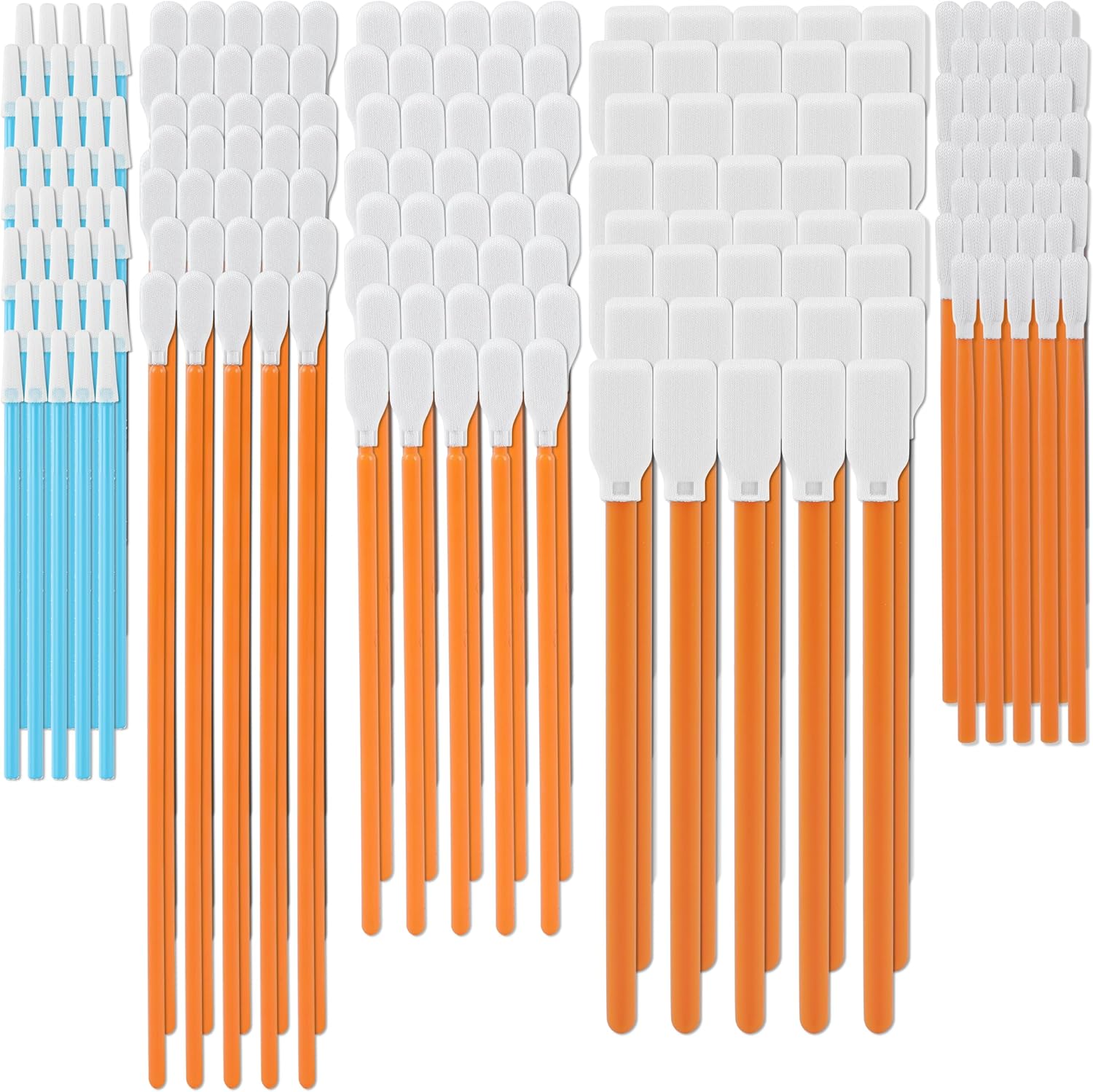
Clean the mounting slot, as named
Power down and look into the mounting slot on the toolhead with a light. Filament dust packs into corners there, and a film across the sensing area is enough to stop a confirmation. A soft anti-static brush lifts it; compressed air finishes the corners you cannot reach.
Do not use anything abrasive
The surfaces in that slot are what the detection and the mechanical fit both depend on, so scraping them trades one fault for a worse one. Brush, blow, and then wipe with a lint-free swab if a film remains.
Then look at the hotend itself
A hotend sitting at an angle in the rack presents its faces where the toolhead does not expect them. Lift it out, check the top and the mounting faces for residue, and seat it flush before retrying. That residue causes the mounting failure HMS 1A00-0100-0002-0033 as well.
When HMS 1A00-0100-0002-0032 is really the sensor
A clean slot and a clean hotend that still will not register points at the detection circuit, which reports separately as HMS 1A00-3000-0001-0040. Reseat the toolhead connector before ordering anything, because that connector moves more than any other on the machine.
The mirror fault
Going the other way, a nesting operation that finds no hotend on the toolhead is HMS 1A00-0100-0002-0021. Both are detection failures; they differ in which end was supposed to be holding the tool. Background on the hardware is in 3D printing hotends.
HMS 1A00-0100-0002-0032 FAQ
Can I retry straight away?
Once, after clearing the slot. Repeated retries against a dirty slot achieve nothing.
How often should the slot be cleaned?
Whenever you have the toolhead apart, and any time this code appears. It is a two-minute job.
Does the slot number help?
It tells you which hotend to inspect, but the fault named here is on the toolhead rather than in the bay.
Could a third-party hotend cause it?
It can, if its faces sit differently. Test with one you know works before chasing the machine.
The dirt is not always on the toolhead side. HMS 1A00-0100-0002-0023 points at the hotend heatsink, and at a front magnet that may have fallen off entirely.

LayerWalker
Print defect diagnosis, calibration procedures and parts that actually fit. Corrections welcome through the contact page.