HMS 0700-3000-0003-0003: RFID Cannot Be Read Because of a Hardware Error
LayerWalker is a participant in the Amazon Services LLC Associates Program. We may earn a commission when you buy through links on our site, at no extra cost to you.
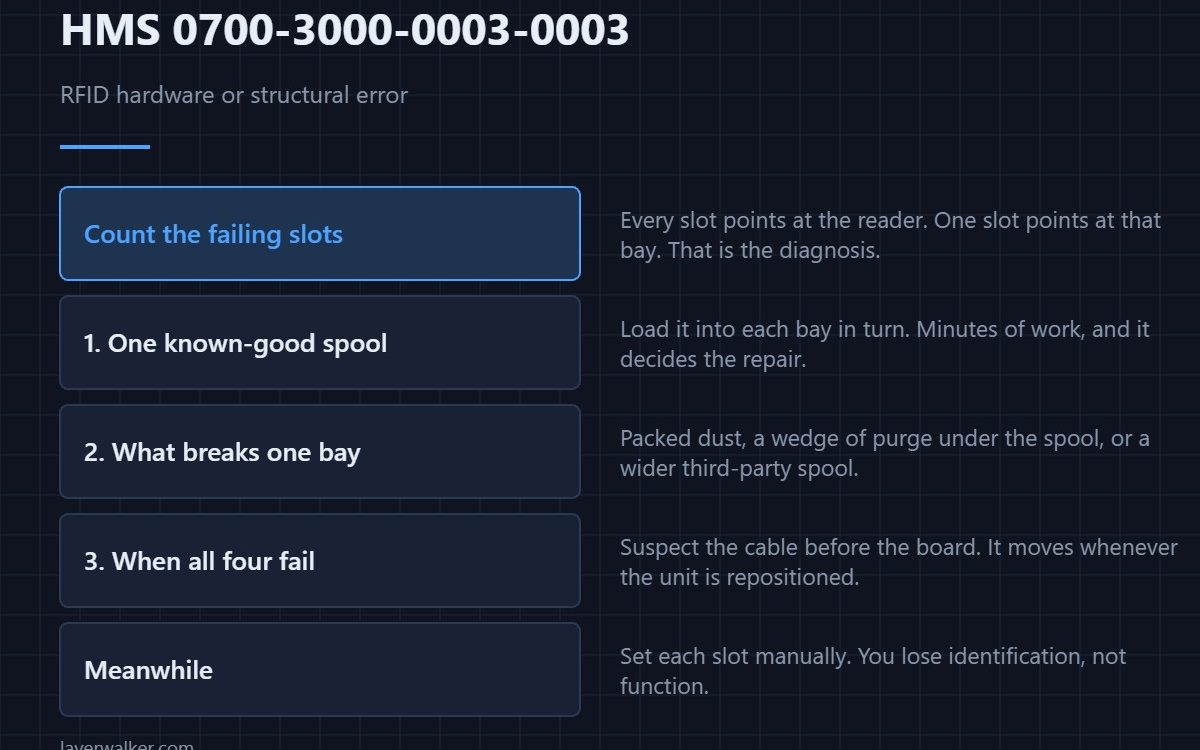
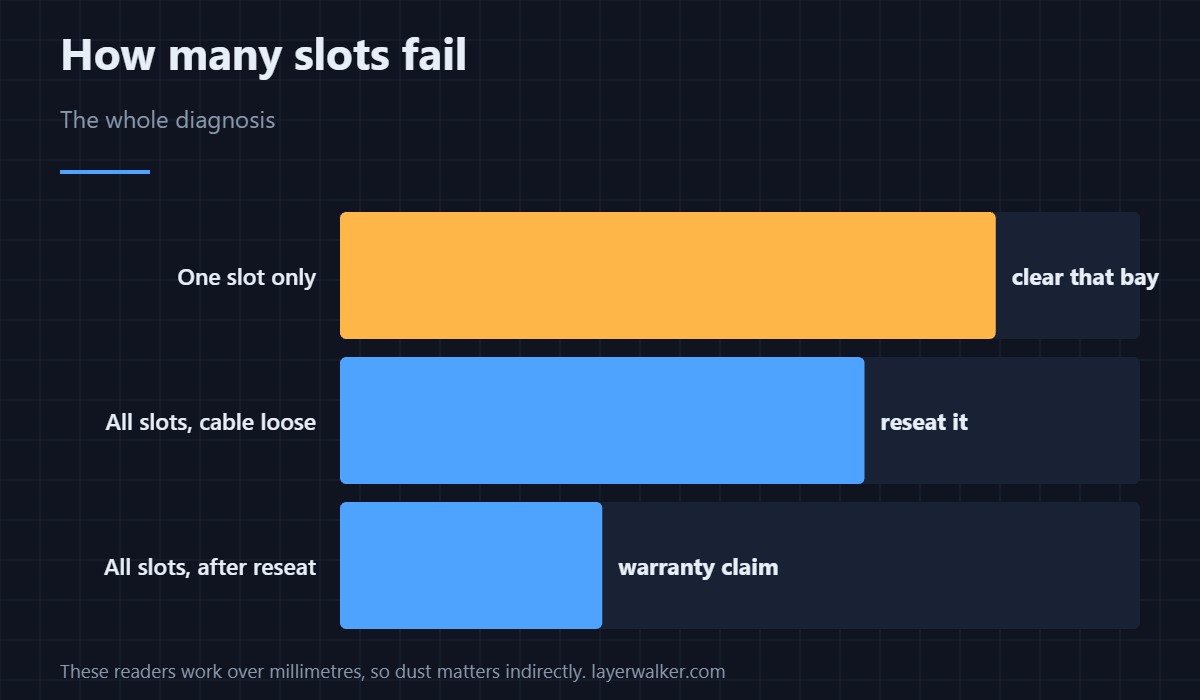
HMS 0700-3000-0003-0003 means the AMS blames its own reader or the way the spool sits rather than the tag. Count how many slots fail before anything else: a fault in every slot points at the reader or its wiring, while a fault in one slot is almost always something physical about that bay.
The word structural in the message is doing real work. Bambu is including how the spool is positioned as a possible cause.
Where to buy


Test every slot with one spool
Take a spool you know reads correctly and load it into each bay in turn. Three slots reading and one failing isolates the bay. All four failing isolates the reader. This takes a few minutes and is the difference between cleaning a slot and arranging a repair.
What goes wrong in a single bay
Filament dust packs into the corners, a fragment of purge wedges under the spool, or a slightly wider third-party spool sits a few millimetres further out than the reader expects. Any of those breaks the read while leaving the tag perfectly intact. Clear the bay with the power off and reload squarely.
When every slot fails
Suspect the connection before the board. The AMS is wired through a cable that moves whenever the unit is repositioned, and a partly seated connector produces exactly this class of error. Reseat it at both ends — the wiring is described in the AMS hub, and a fully lost link reports as HMS 0700-5000-0002-0001 instead.
Why HMS 0700-3000-0003-0003 is not the tag code
A damaged label on the spool is reported as HMS 0700-3000-0002-0002, where the machine saw a tag and could not interpret it. This code is the layer below: it could not run the read at all. Getting the two the wrong way round sends you cleaning spools when the fault is in the bay.
Printing while you sort it out
Set each slot’s material manually and the AMS works as normal. You lose automatic identification, not function. Related slot faults are grouped around HMS 0700-4500-0002-0002.
HMS 0700-3000-0003-0003 FAQ
Is this worth a warranty claim?
If it fails in every slot with a known-good spool after reseating the cable, yes. Document the per-slot test result first.
Can dust really stop an RFID read?
Packed dust changes how far the spool sits from the reader, and these readers work over a few millimetres. So yes, indirectly.
Does a firmware update help?
Sometimes, and it is free. Do it before opening anything.
Will it stop mid-print?
No. Identification happens at load time, so a print already running is unaffected — background in printers with an AMS.

LayerWalker
Print defect diagnosis, calibration procedures and parts that actually fit. Corrections welcome through the contact page.