HMS 0700-3000-0002-0002: RFID Tag on AMS Slot 1 Is Damaged or Unreadable
LayerWalker is a participant in the Amazon Services LLC Associates Program. We may earn a commission when you buy through links on our site, at no extra cost to you.
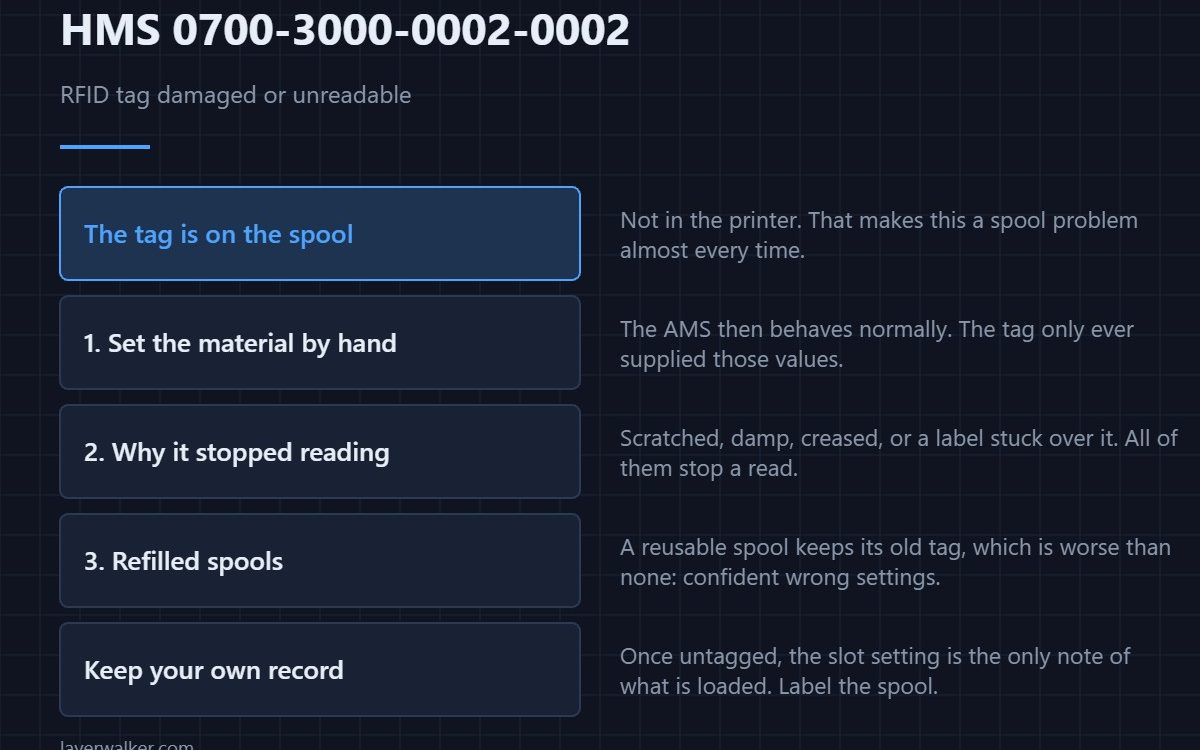
HMS 0700-3000-0002-0002 means the AMS found an RFID tag in that slot but could not read what it said. The tag lives on the spool rather than inside the printer, so this is almost always a spool problem: a scratched or damp tag, a label stuck over it, or a refilled spool carrying a tag that no longer matches its contents.
Nothing about this code stops you printing. It stops the machine filling in the material settings for you.
Where to buy


Set the material by hand and carry on
Pick the filament type and colour manually for that slot. The AMS then behaves normally, including purge volumes and switching, because all it ever wanted from the tag was those values. Doing this first means you are troubleshooting at leisure rather than mid-print.
Why the tag stopped reading
These tags are thin adhesive labels on the side of the spool. They are damaged by solvents, by peeling and re-sticking, by moisture from a spool that sat in a damp garage, and by anything stuck on top of them. A tag that is physically creased will not read at all.
Refilled and third-party spools
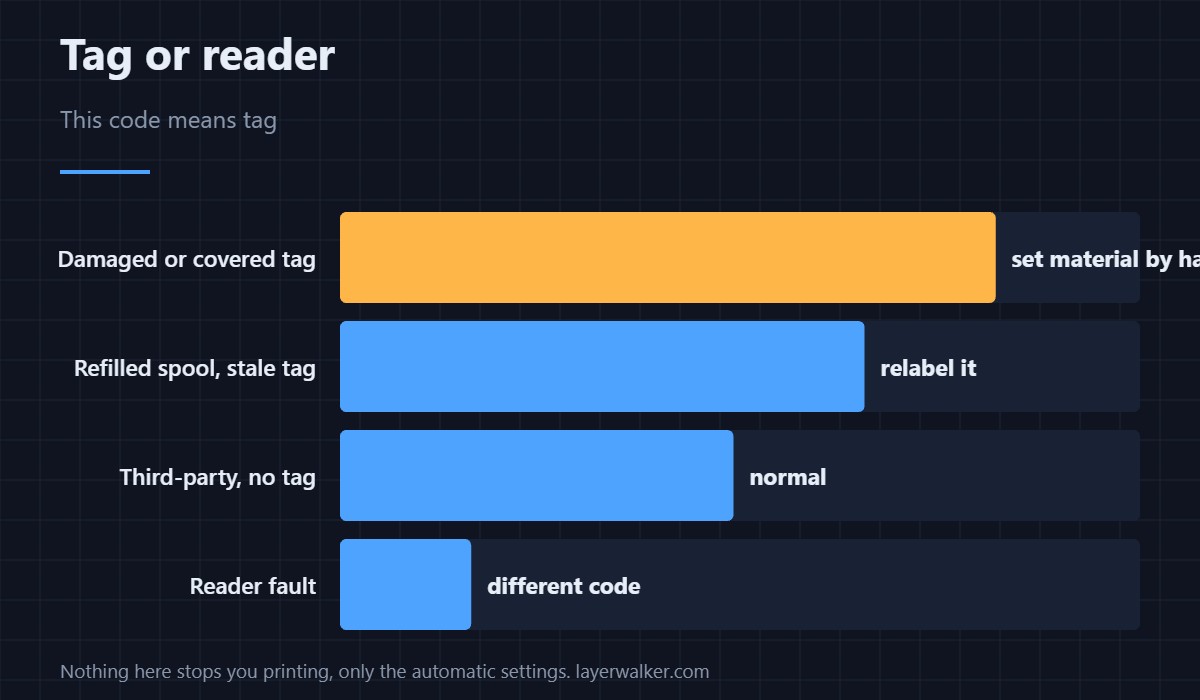
A reusable spool refilled with different material keeps whatever tag it had, which is worse than no tag: the machine confidently sets the wrong temperature. Third-party spools usually carry no tag, which produces a different and quieter message. The generational differences in tag handling are covered in AMS 2 Pro compared with the original AMS.
What HMS 0700-3000-0002-0002 does not mean
It does not mean the reader is broken. When the hardware is the problem you get HMS 0700-3000-0003-0003 instead, which names a hardware or structural error. If every slot fails to read, you are in that code rather than this one.
A note on keeping track manually
Once you are running untagged or mis-tagged spools, the material you set in the slot is the only record of what is loaded. Labelling the spool itself with what is actually on it prevents the far more expensive mistake of printing ABS settings into PLA. The unit basics are in printers with an AMS.
HMS 0700-3000-0002-0002 FAQ
Can I replace the tag?
Not with a working Bambu tag; those are written at the factory. Blank NFC labels let you mark spools for your own reference, but the printer will not read material data from them.
Does it affect print quality?
Only through the settings. Set the material correctly and the result is the same as a tagged spool.
Why does it read in one slot and not another?
Because the spool sits at a slightly different distance in each. That is a structural case — see the hardware code.
Do third-party spools always fail?
They have no tag to fail. You simply set the material yourself, which many people do permanently — see AMS alternatives.

LayerWalker
Print defect diagnosis, calibration procedures and parts that actually fit. Corrections welcome through the contact page.