HMS 0700-0200-0001-0001: AMS Filament Speed and Length Error
LayerWalker is a participant in the Amazon Services LLC Associates Program. We may earn a commission when you buy through links on our site, at no extra cost to you.
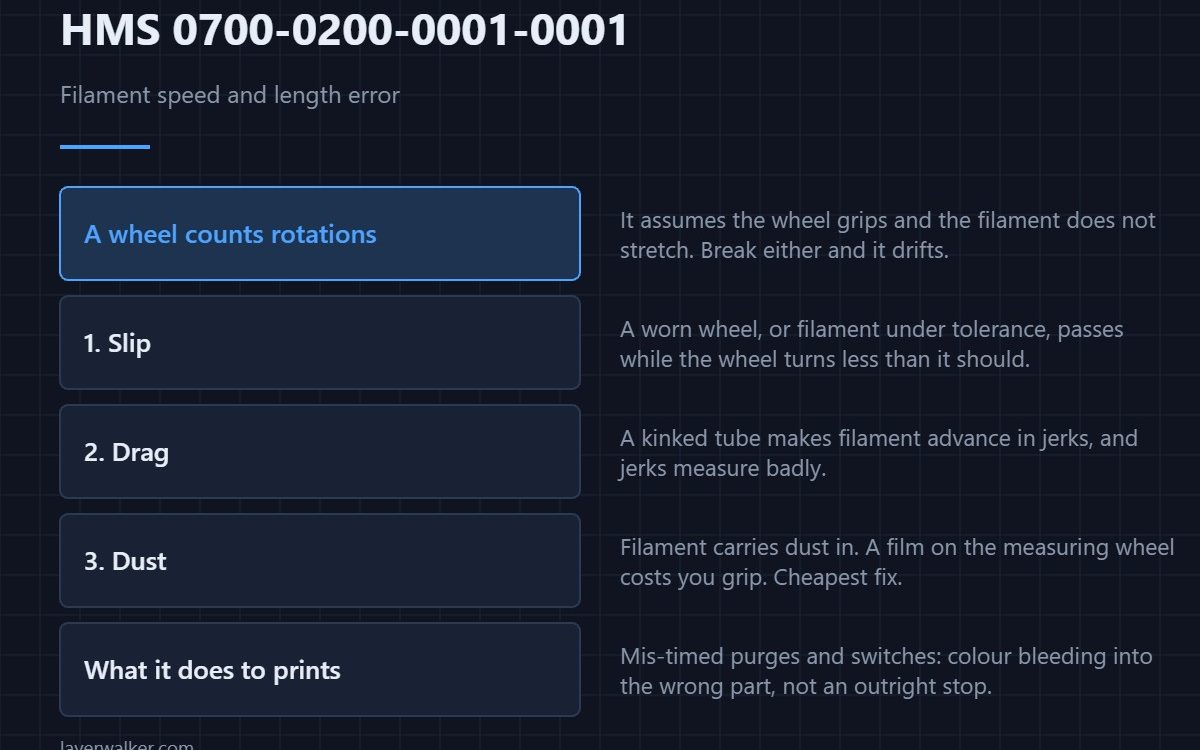
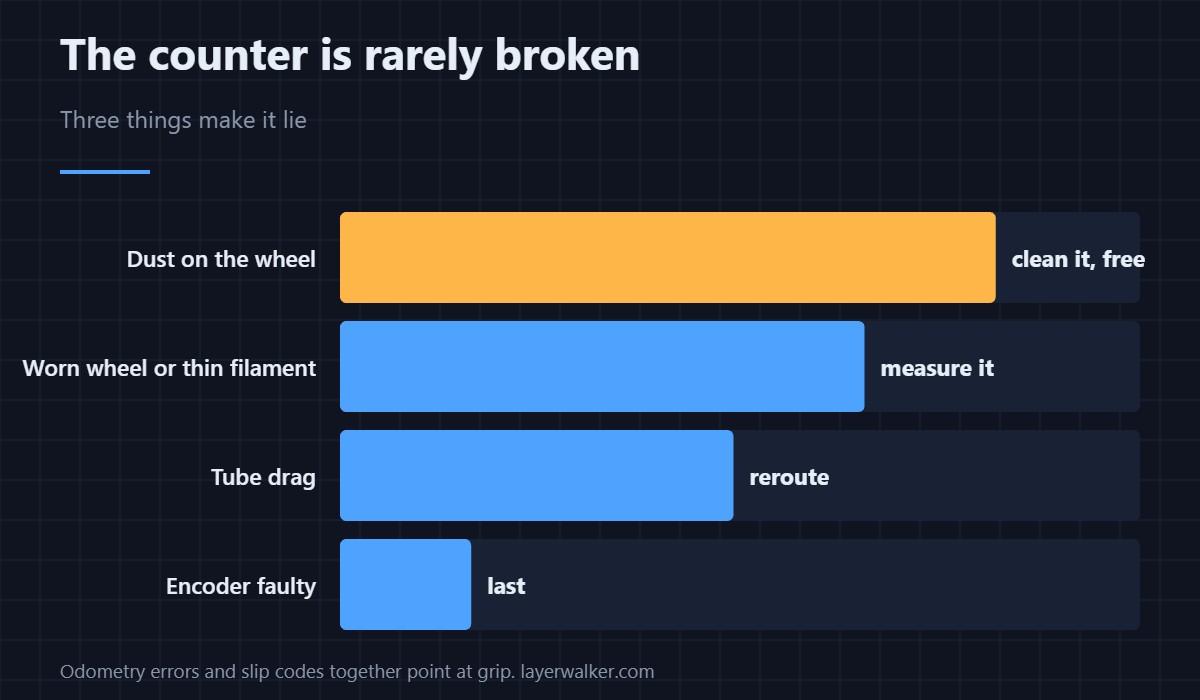
HMS 0700-0200-0001-0001 means the AMS asked for a length of filament, measured something different, and blamed the odometry. The sensor counts movement at one point in the path, so anything that lets filament slip past that point without turning the counter produces this error without the counter being broken.
Before accepting a faulty encoder, work out whether the filament really moved the distance the machine thinks it did not.
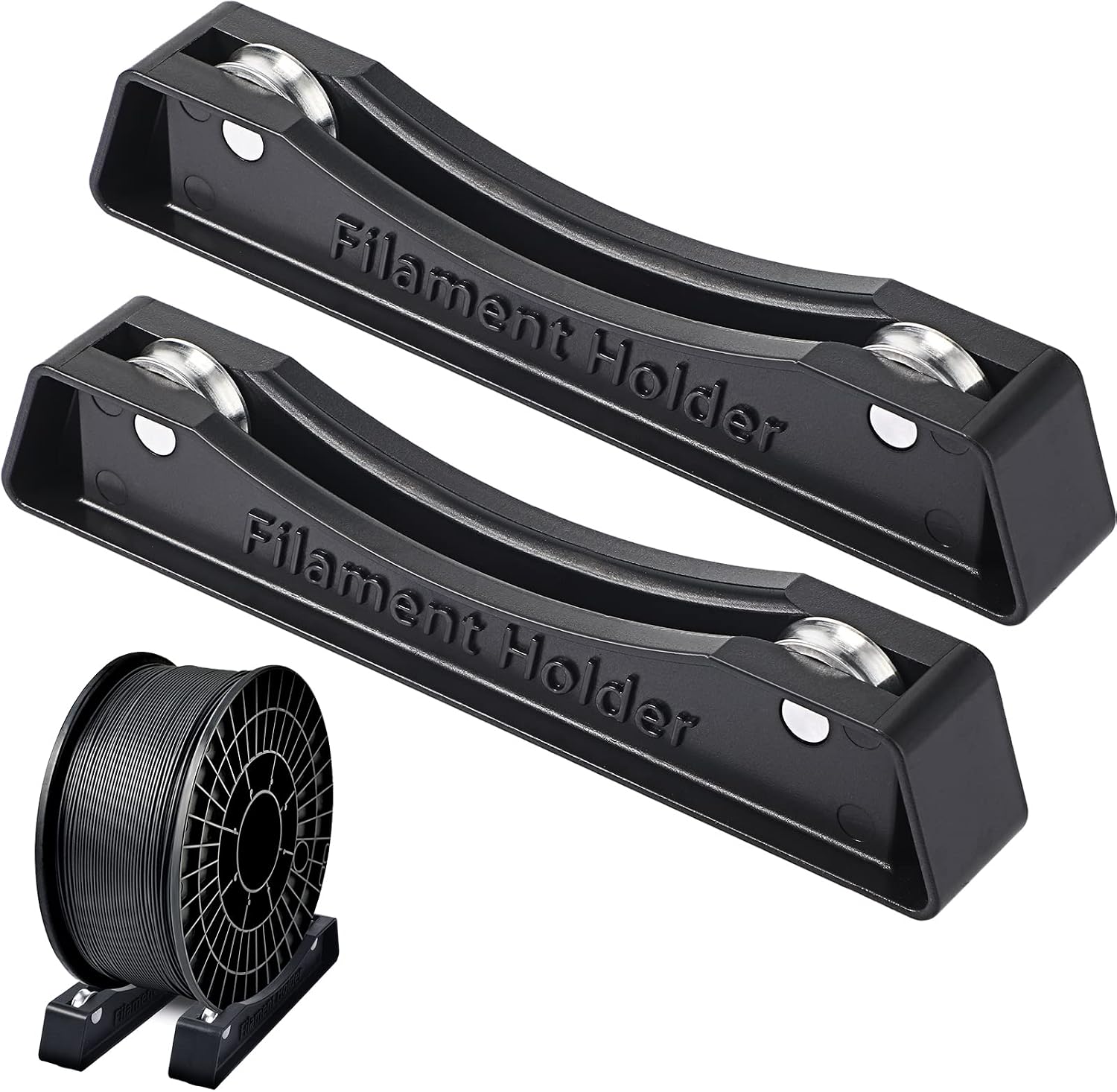
Where to buy


What odometry actually measures
A wheel rides on the filament and counts its rotations, which the AMS converts into millimetres fed. The measurement assumes the wheel grips and the filament does not stretch. Break either assumption and the count drifts away from reality.
Slip is the first suspect
A worn extrusion wheel, or filament thinner than nominal, lets the strand pass while the wheel turns less than it should. The slip version of this fault is reported as HMS 0700-1000-0002-0002, and seeing both codes on one machine points firmly at grip rather than at electronics.
Drag is the second
A tight bend or a kinked tube makes the filament advance in jerks, and a jerky feed measures badly even with a healthy sensor. Run the path with gentle curves and no strain at the connectors — routing and bend radius are covered in PTFE tube for 3D printers.
Dust is the third, and the cheapest
Filament carries dust into the mechanism, and a film of it on the measuring wheel is enough to cost you grip. Clean the wheel and the surrounding path with the machine off before deciding anything is faulty.
What HMS 0700-0200-0001-0001 does to a print
An AMS that does not know how much filament it has moved mis-times its purges and switches, which shows up as colour bleeding into the wrong part of a model rather than as an outright failure. The unit and its path are described in printers with an AMS.
HMS 0700-0200-0001-0001 FAQ
Is it safe to keep printing?
For a single-material job, yes. For multi-material, expect contaminated transitions and wasted purge.
Could cheap filament cause it?
Yes. Diameter that wanders below tolerance is one of the most common causes, and it is free to check with calipers.
Does the counter need calibrating?
Not by you. It is derived from wheel geometry, which is why a worn wheel reads wrong rather than needing a number changed.
Which slot does it mean?
The message is about the shared measuring point rather than a slot. If it only ever happens on one spool, suspect the filament — options are in AMS alternatives.

LayerWalker
Print defect diagnosis, calibration procedures and parts that actually fit. Corrections welcome through the contact page.