HMS 0700-0100-0001-0004: AMS Assist Motor Speed Control Malfunctioning
LayerWalker is a participant in the Amazon Services LLC Associates Program. We may earn a commission when you buy through links on our site, at no extra cost to you.
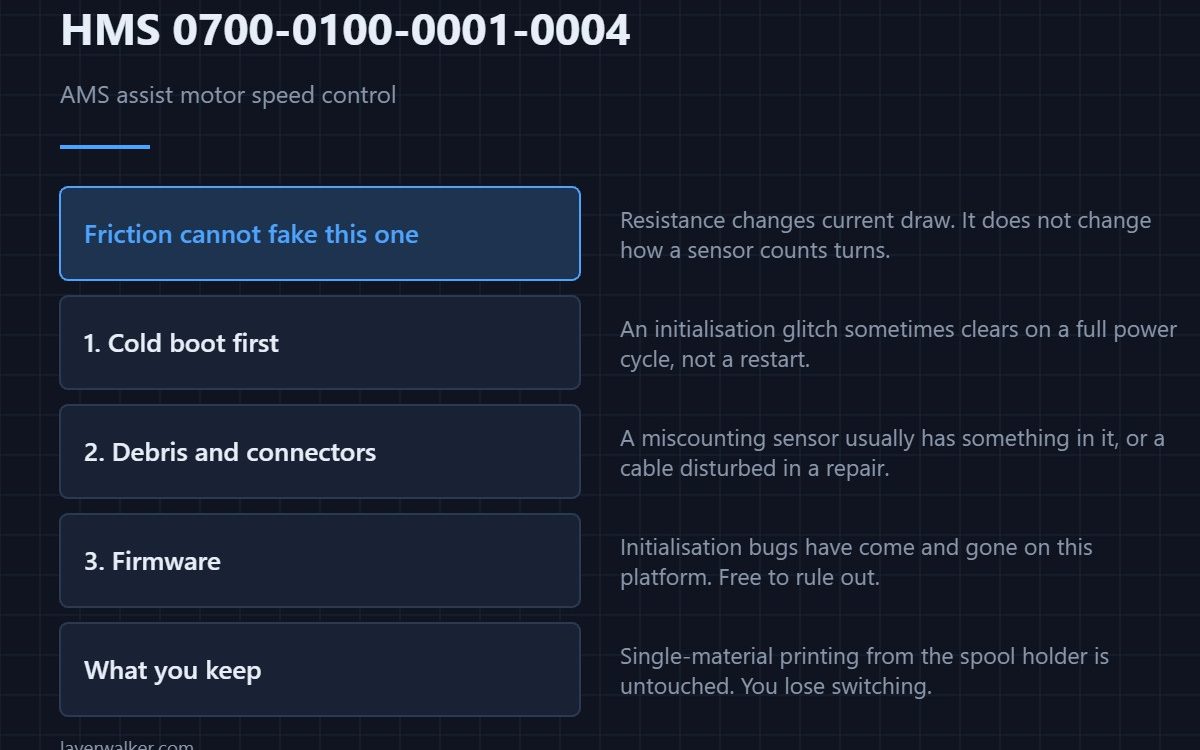
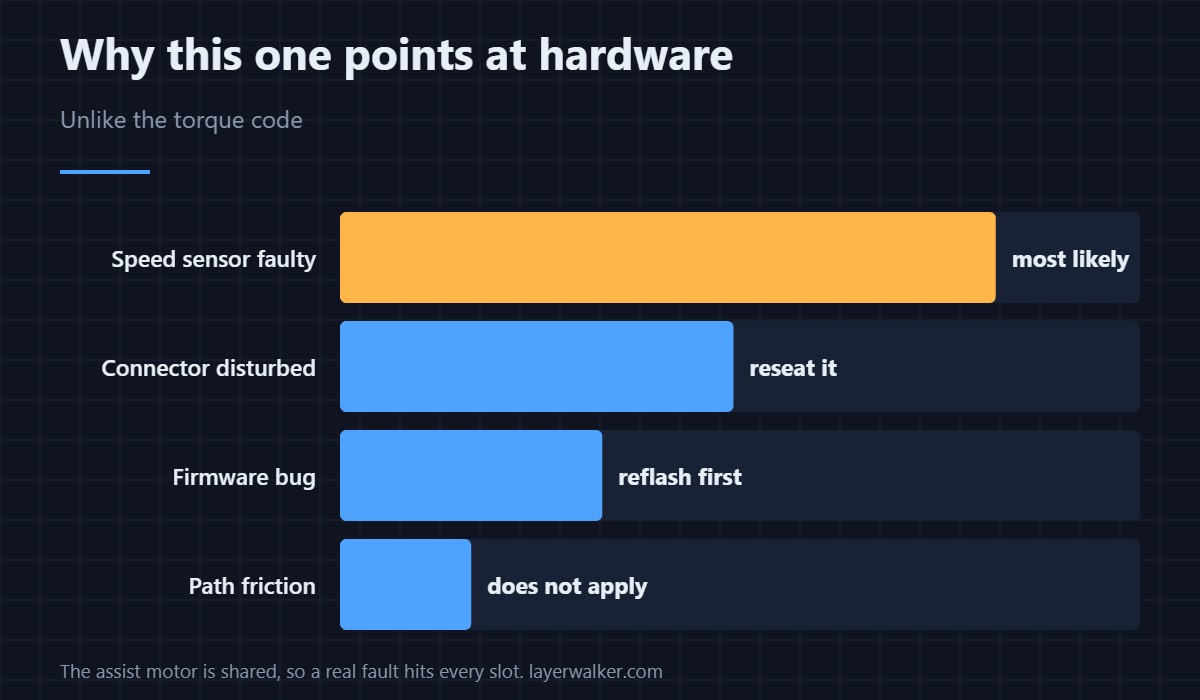
HMS 0700-0100-0001-0004 means the AMS cannot regulate the assist motor by speed any more, and Bambu suspects the speed sensor. Unlike the torque version of this fault, drag in the filament path does not fake it: a speed loop that has lost its feedback is usually a genuine hardware problem rather than something you caused.
That difference is the whole value of having two codes instead of one.
Where to buy

![WD-40 Specialist Contact Cleaner, Fast-Dry, No-Residue, 13.3 OZ [1-Pack]](https://m.media-amazon.com/images/I/61iOBAiLRdL._SL1500_.jpg)

What the speed loop is doing
The assist motor has to turn at a rate that matches what the extruder is consuming, neither starving the path nor pushing a loop of slack into it. To do that it needs to know how fast it is actually turning, which is what the speed sensor reports. Lose that and the motor can only guess.
Why this one is less likely to be your fault
Resistance changes how much current a motor draws, which is why friction fakes the torque code. It does not change how a rotation sensor counts. If the path were simply tight you would expect HMS 0700-0100-0001-0003 instead, so getting the speed version points at the unit.
The checks still worth doing first
Power the printer down fully rather than just restarting the print, because a sensor glitch at initialisation sometimes clears on a cold boot. Then look for the obvious physical causes of a miscounting sensor: debris in the mechanism, or a connector disturbed the last time the unit was opened. The cabling layout is in the AMS hub.
What HMS 0700-0100-0001-0004 leaves you able to do
Single-material printing from the external spool holder is unaffected, because nothing on that path depends on the assist motor. You lose automatic switching, not printing — the fallback is described in AMS alternatives.
Before contacting support
Note whether the code appears on every load or only on some, and whether it is tied to one slot. A fault that follows one slot is mechanical; one that appears everywhere is the board. That one observation saves a round of questions. Background on the unit is in printers with an AMS.
HMS 0700-0100-0001-0004 FAQ
How is this different from the torque code?
Torque control asks how hard the motor is working; speed control asks how fast it is turning. They use different sensors and fail independently.
Will a firmware update fix it?
Occasionally, if the cause was an initialisation bug. It costs nothing to rule out before buying anything.
Can I still use the AMS at all?
Sometimes, unreliably. A speed loop running open will either starve or over-feed, and both show up as print defects.
Does it affect all slots?
The assist motor is shared, so a genuine failure affects every slot. A single-slot problem is a different fault.

LayerWalker
Print defect diagnosis, calibration procedures and parts that actually fit. Corrections welcome through the contact page.