HMS 0300-0100-0003-0008: Heated Bed Temperature Exceeded the Limit
LayerWalker is a participant in the Amazon Services LLC Associates Program. We may earn a commission when you buy through links on our site, at no extra cost to you.
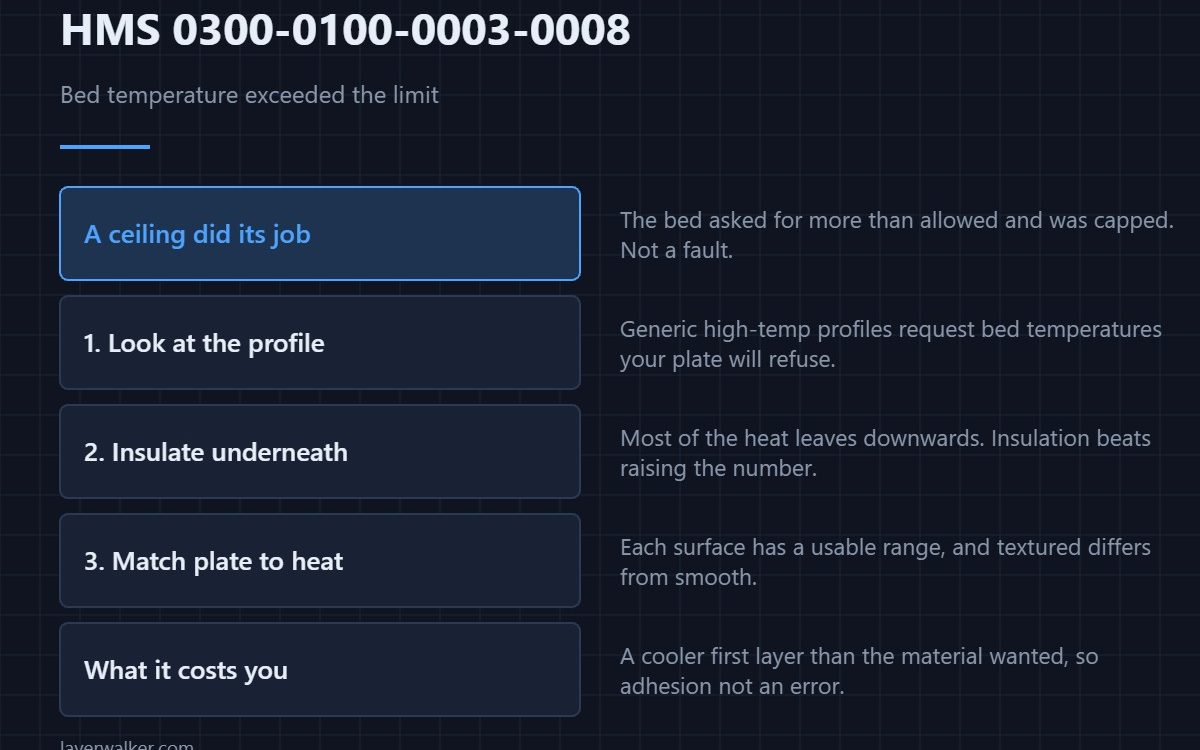
HMS 0300-0100-0003-0008 means the temperature of the heated bed exceeded the limit and the printer automatically adjusted down to the limit temperature. Nothing is broken: a safety ceiling did its job. What is worth knowing is why your job asked for more than the ceiling allows.
The interesting question is not the code but the profile that triggered it.
Where to buy


Check what the profile asked for
High-temperature materials in a generic profile often request a bed temperature above what your plate and machine combination permits. The printer will cap it, your first layer will behave differently from the profile’s expectation, and this code is the only hint you get.
Insulate under the bed before asking for more heat
A heated bed loses most of its energy downwards. A cotton insulation pad under the plate lets the surface hold temperature with less demand, which is the honest way to get a hotter first layer rather than raising a number the machine will refuse.
Match the plate to the temperature
Each plate has a usable range, and a textured PEI surface behaves differently from a smooth one at the top of that range. If you keep hitting the ceiling, the plate may be the limit rather than the heater — the surfaces are compared in smooth versus textured PEI.
Then consider the plate you are not using
A smooth PEI sheet is the right answer for some high-temperature materials and the wrong one for others, which is why owners end up with both. Keeping the second sheet flat and clean costs nothing and saves a cap like this one.
Why HMS 0300-0100-0003-0008 is informational
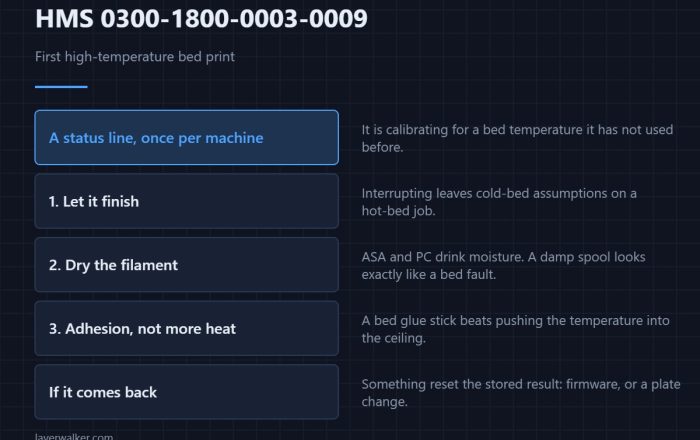
It reports an adjustment, not a failure. The code that reports a genuine control fault is HMS 0300-0100-0001-000D, which asks you to troubleshoot. If you are seeing this on your first very hot print, the companion message is HMS 0300-1800-0003-0009.
What it costs you
A first layer at a lower bed temperature than the material wants, which shows up as poorer adhesion rather than as an error. Causes and fixes are in first layer not sticking.
HMS 0300-0100-0003-0008 FAQ
Is my bed overheating?
No. It asked for more than the ceiling and was capped.
Can I raise the limit?
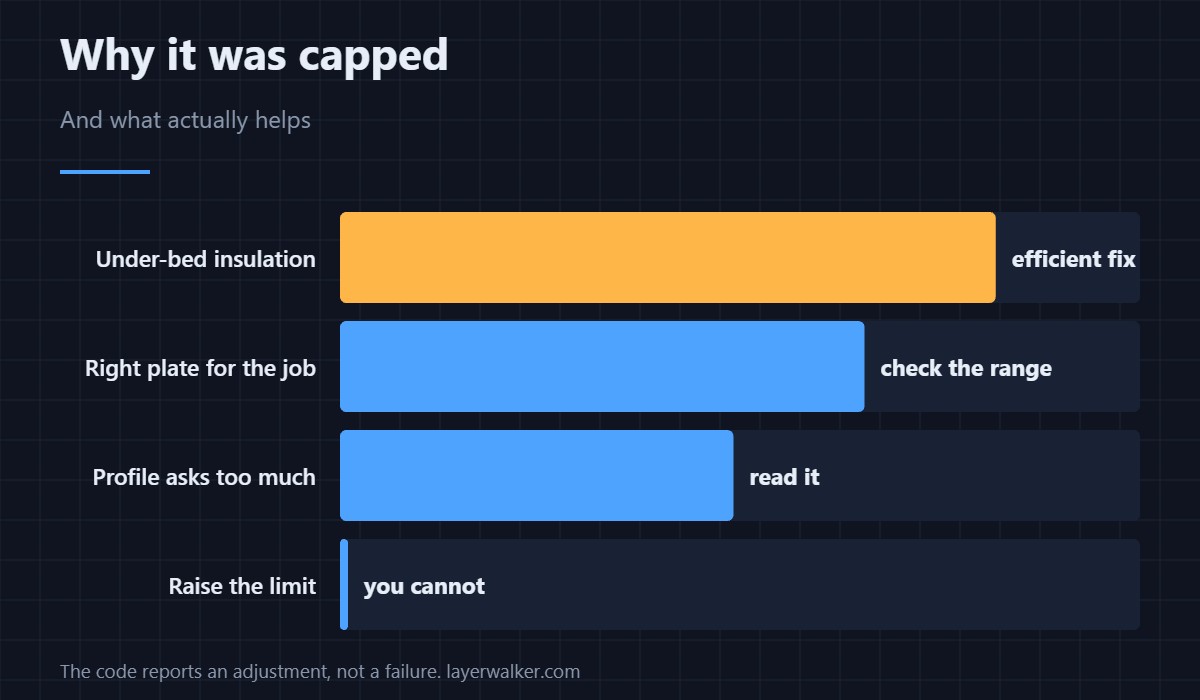
No, and you should not want to. It protects the plate and the machine.
Why does it only happen with some filaments?
Because only some profiles request bed temperatures near the ceiling.
Does insulation really help?
Yes. Most of the loss is downwards, so under-bed insulation is the efficient fix.

LayerWalker
Print defect diagnosis, calibration procedures and parts that actually fit. Corrections welcome through the contact page.