Is a 3D Printer Worth It? An Honest Cost and Use Accounting
LayerWalker is a participant in the Amazon Services LLC Associates Program. We may earn a commission when you buy through links on our site, at no extra cost to you.
A 3D printer is worth it if you have a recurring reason to make physical objects: repairs and replacement parts, a hobby that consumes parts (tabletop, RC, cosplay, electronics), a small business, or a child who will use it. It is not worth it if the plan is “print cool things from the internet”; that phase lasts a month. Ownership cost is modest: a good printer, a few kilograms of PLA a year, and occasional nozzles and plates. Time is the real cost, and modern printers have cut it sharply.
Where to buy


What it costs to own
| Item | Frequency | Notes |
|---|---|---|
| Printer | Once | A capable machine now costs less than a mid-range phone |
| Filament | A kilogram lasts a casual user months | PLA is commodity priced; engineering filament costs more |
| Nozzles | A few per year | Cheap; hardened ones for abrasives cost more |
| Build plate | One spare | Textured PEI lasts years |
| Electricity | Per print | A PLA print draws roughly what a laptop and a lamp do |
| Dryer or dry box | Once, if humid | Saves failed prints |
| Time | Ongoing | Auto-calibrating printers have made this small; legacy machines had not |
Who gets value
- Fixers. A broken clip, a lost knob, a bracket that no longer exists: printers pay for themselves on repairs alone.
- Hobbyists with a parts appetite. Tabletop terrain, RC parts, cosplay, camera rigs, electronics enclosures. See printers for hobbyists.
- Parents and teachers. A child who designs a thing and holds it an hour later learns something no screen teaches.
- Makers who design. If you use CAD, a printer is the other half.
Who ends up with a dusty machine
- People who buy for the novelty and do not design or repair anything.
- People who buy a legacy tinkering printer and did not want to tinker.
- People whose real need was a resin printer for miniatures and bought FDM, or the reverse.
A checklist before buying
- List five things you would print this month. If you cannot, wait.
- Decide size and materials from that list; see the buying guide.
- Buy a current auto-calibrating machine, not a project; see under $300.
- Budget three spools of PLA and a spare plate.
- Learn a little CAD; downloading models is the gateway, designing is the value.
The units in the box
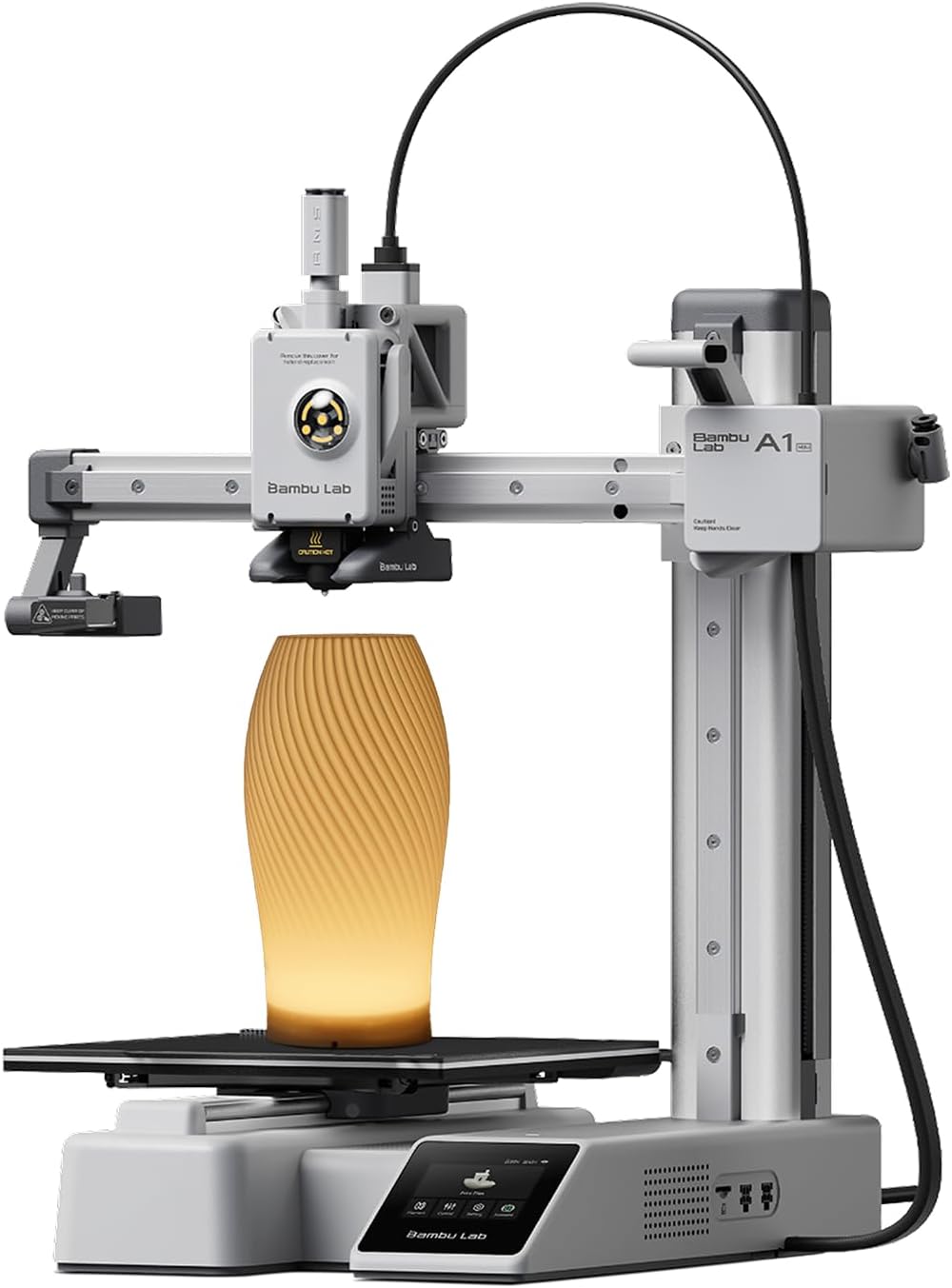
The listings are the three printers a first buyer most often lands on: the A1 mini, the A1 and the Ender-3 V3 SE.
FAQ: Is a 3D printer worth it
Can a printer pay for itself?
On repairs and replacement parts, often within a year for a household that fixes things.
Is it hard?
Not anymore, if you buy a current machine; a decade ago it was.

LayerWalker
Print defect diagnosis, calibration procedures and parts that actually fit. Corrections welcome through the contact page.

