HMS 1A00-1200-0002-0001: Rack Calibration Failed, Camera Data Abnormal
LayerWalker is a participant in the Amazon Services LLC Associates Program. We may earn a commission when you buy through links on our site, at no extra cost to you.
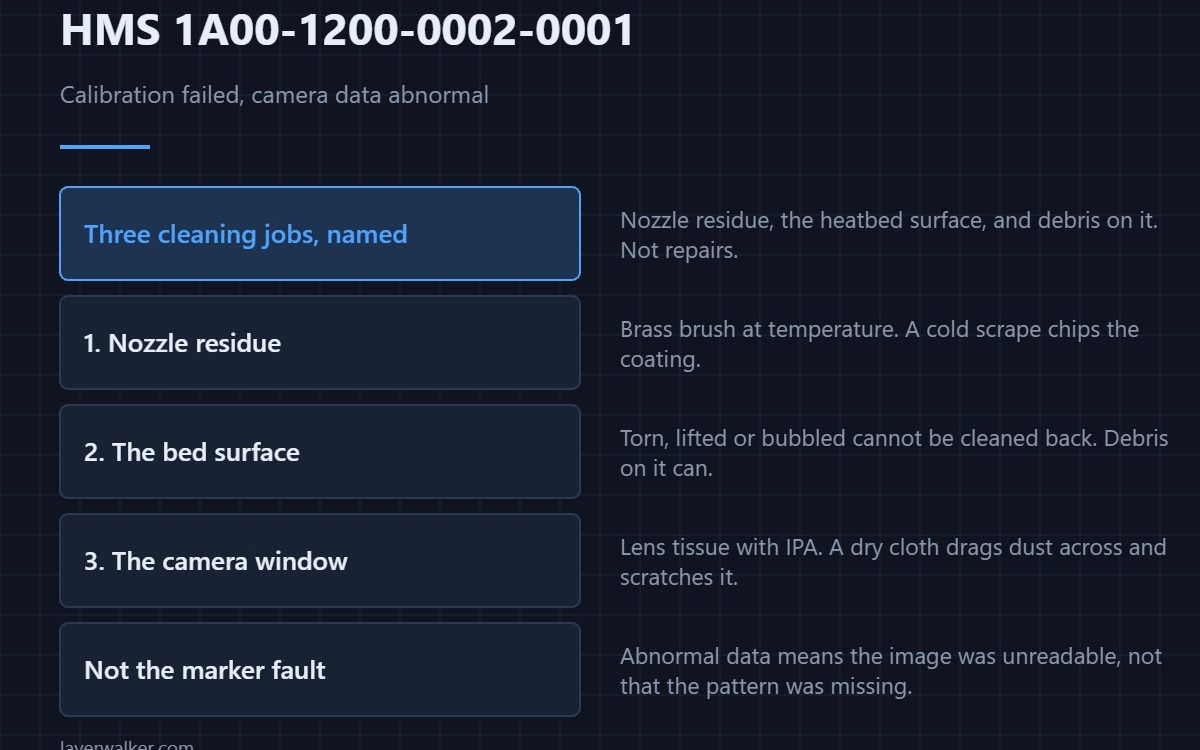
HMS 1A00-1200-0002-0001 means the rack calibration could not make sense of what the camera returned, and Bambu names three things to check: nozzle residue, whether the heatbed thermal paper is intact, and debris on its surface. All three are cleaning jobs rather than repairs.
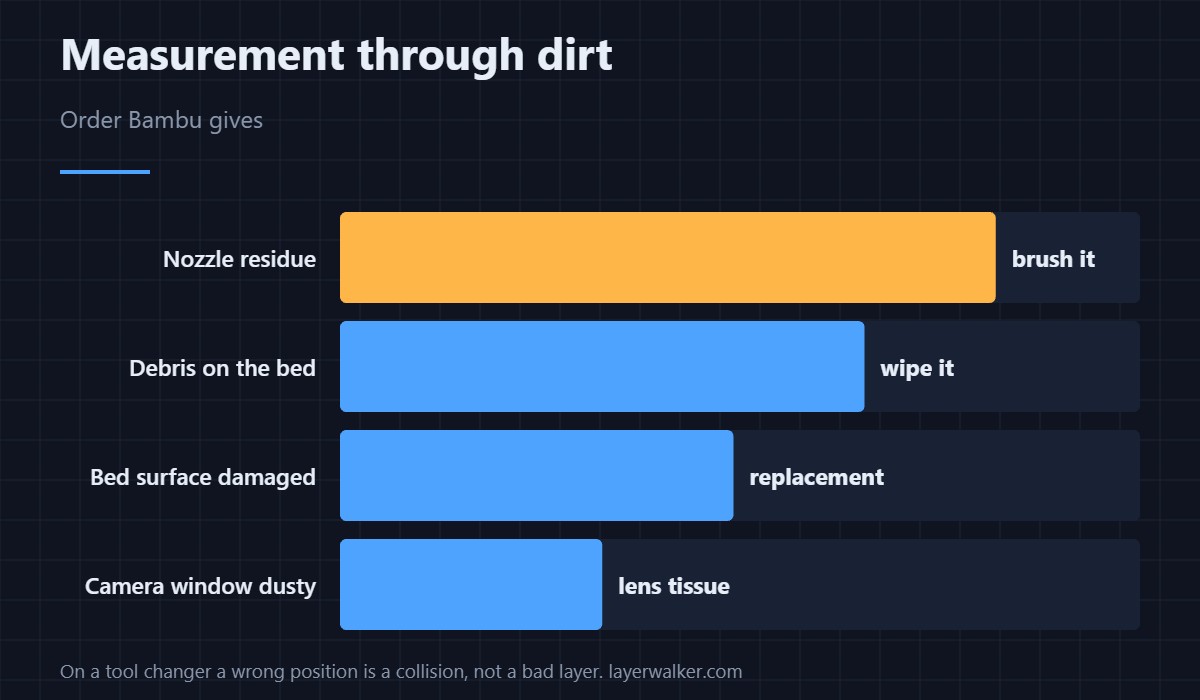
Calibration is a measurement, and a measurement taken through dirt is the fault far more often than the camera is.
Where to buy


Nozzle residue first
The calibration looks at the nozzle, so anything stuck to it changes the shape being measured. Heat the hotend, wipe the outside of the tip with a brass brush, and let it cool before calibrating. A cold scrape chips the coating and leaves you worse off, and the construction that makes that true is covered in 3D printing hotends.
Then the heatbed surface Bambu names
The message asks whether the thermal paper on the heatbed is intact. A torn, lifted or bubbled surface changes what the camera sees underneath the nozzle, and a damaged one cannot be cleaned back to usable. Debris sitting on it does the same thing temporarily, which is the easier case.
Then the camera window
Filament dust settles on optics the same way it settles on everything else. Use a lens tissue or a swab with isopropyl alcohol rather than a dry cloth, because dragging dust across a lens scratches it permanently.
What HMS 1A00-1200-0002-0001 is not
It is not the marker fault. When the camera works but cannot find the visual reference on the rack, the code is HMS 1A00-1200-0002-0002, which points you at the marker rather than at the nozzle and bed. Abnormal data means it could not interpret the image at all.
Calibrating once it passes
Finish with the machine’s own routine rather than assuming the numbers carried over, and check a first layer before committing a long plate. The general approach is in calibrating a 3D printer, and surface options are in H2D build plates.
HMS 1A00-1200-0002-0001 FAQ
Can I skip calibration and print?
Not usefully on a tool changer. Slot positions depend on it, and a wrong position is a collision rather than a bad layer.
What cleans a nozzle safely?
Brass at temperature. Steel is harder than the nozzle and damages it.
Does ambient light matter?
It can. Strong sunlight across the chamber makes camera measurements unreliable in general.
Is a damaged bed surface repairable?
No. Once the surface has lifted or torn it is a replacement, not a clean.
A measurement can also come back impossible rather than unreadable. HMS 1A00-1200-0002-0003 means the result fell outside the rack travel range, and Bambu suspects a deformed rack.

LayerWalker
Print defect diagnosis, calibration procedures and parts that actually fit. Corrections welcome through the contact page.